
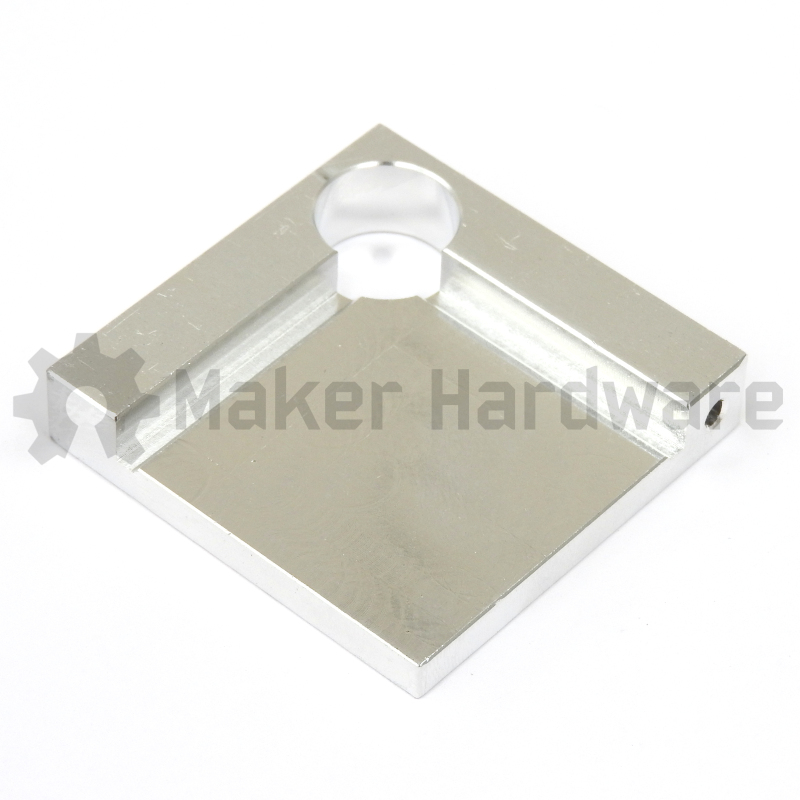
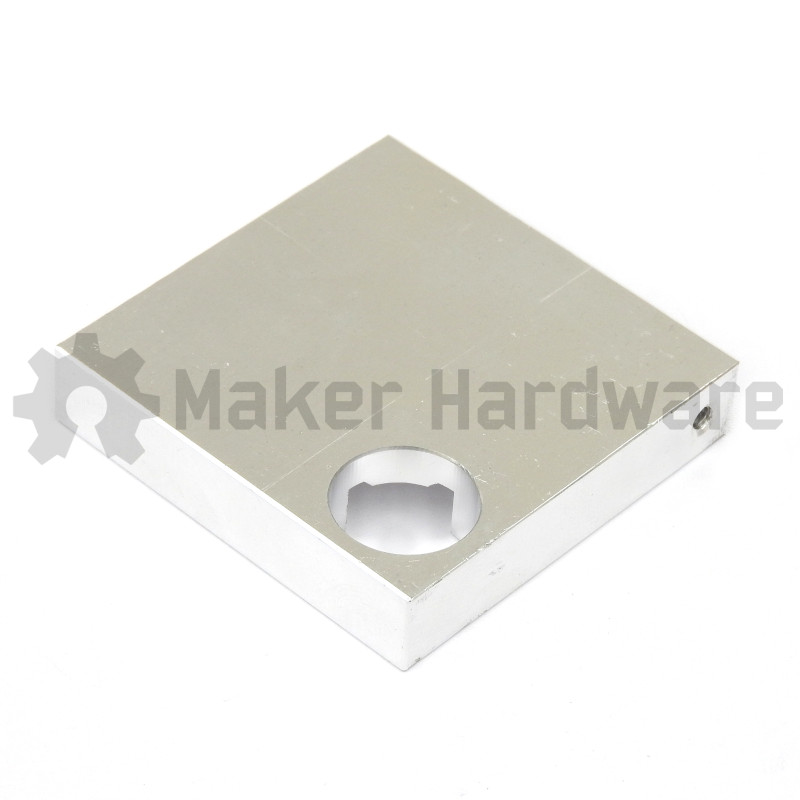
Description
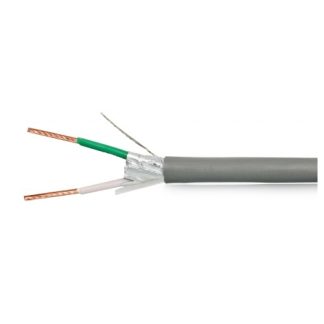
Grab a 2 pin connector for an easy and quick connection and disconnection

|
$2.13 Inc. GSTRead more |
Note: If you are using a controller that already has a connector dedicated for the touch probe, such as the BlackBox or xPRO V5 you do not need this additional connector.
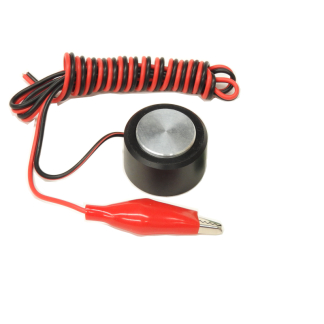
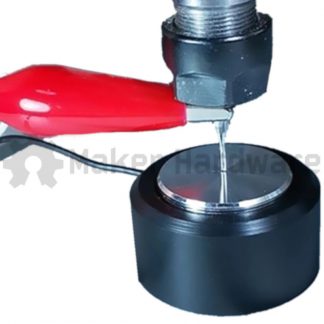
The XYZ Touch Probe is used with the end mill to accurately set the 0, 0, 0 position of the work piece.
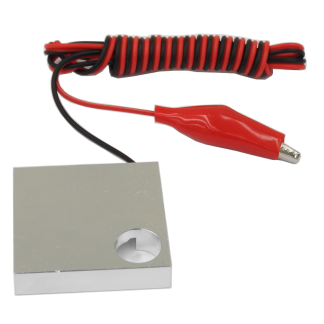
This very handy tool comes with a 115cm cable that has a pre-terminated alligator clip on the red wire and pre-stripped end on the black wire. The other end of the cable is un-touched and ready to be stripped and connected to whichever CNC controller you are using.
The XYZ Touch Probe is made from 6063-T5 Aluminium with no coating or anodising in order to ensure excellent electrical conductivity.
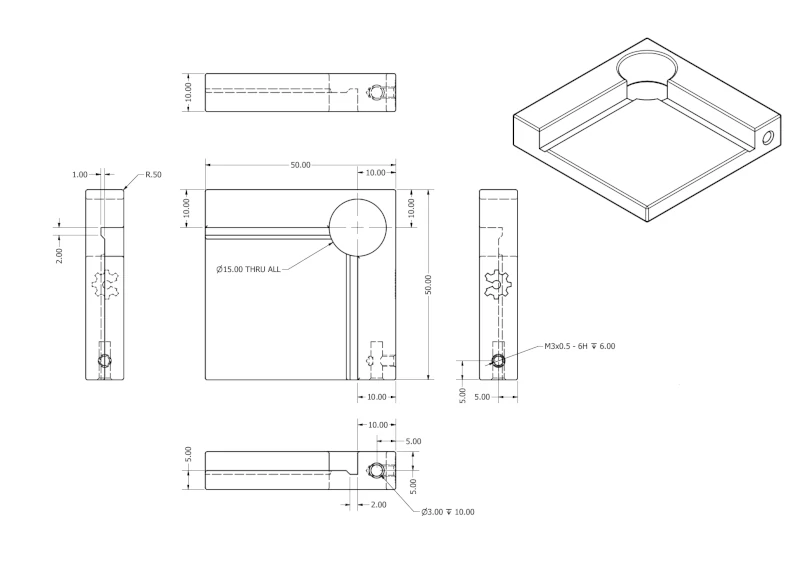
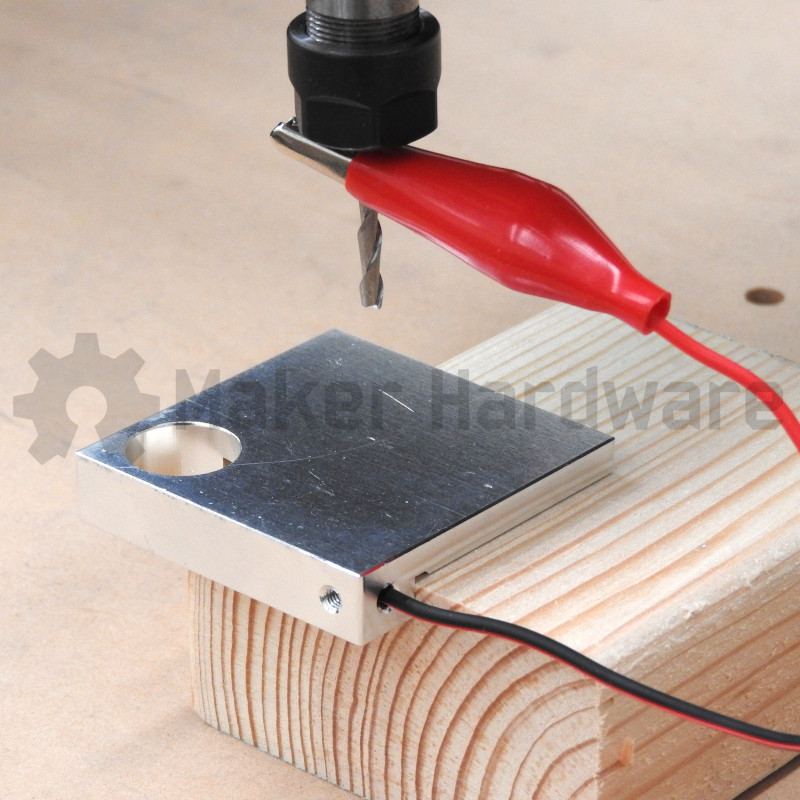
The Touch Probe is designed so that it will sit off the corner of the work piece allowing you to position the X and Y zero coordinates as well as the Z zero coordinate accurately and easily.

Example of XYZ Touch Probe setting the 0, 0, 0 work coordinate. |
Tips and Tricks
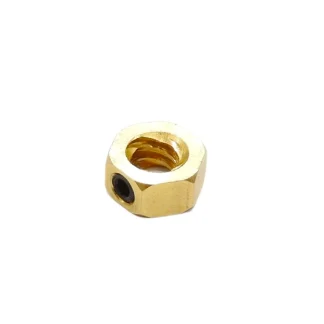
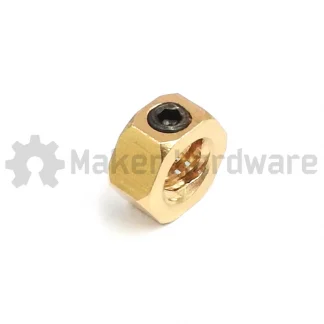
- Careful when opening the bag! There is a very small M3 Set Screw loose in the bag that is used to clamp the cable in the terminal. If that falls out and onto the floor it can be a nightmare to try to find!
Set Up:
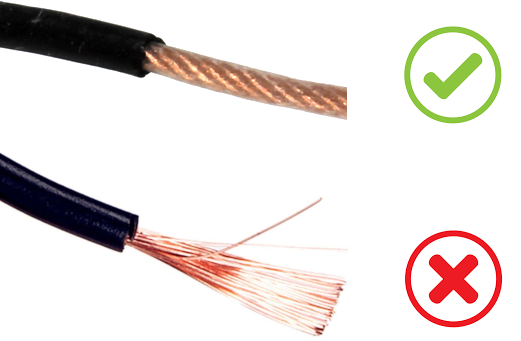
- It is good practice to twist the strands of copper so they make a nice clean and solid conductor. This will ensure good contact is made when terminating the wire, as well as lower the chance of strands breaking when terminating.
- Insert the stripped cable from the black wire into the non-tapped hole. Ensure it is all the way in.
- Insert the M3 set screw into the tapped hole and tighten it onto the inserted wire. Ensure it is making good contact. (Don’t tighten so hard that you break the wires). Make sure by gentling pulling on the cable that it is securely fixed in the terminal.
- Place your Touch probe on corner of the work piece where you would like to set 0, 0, 0.
- Activate your machine and manually jog the machine to the middle of the touch probe about 5mm off of the probe’s surface.
- Attach the alligator clip to your endmill.
- Use the relevant software to begin the probing process and therefore zero your work piece.
Drawings: