Description
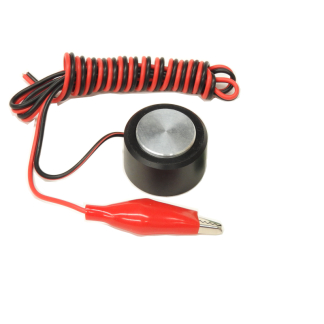
This Touch Plate is used to find the offset to your work piece on your CNC build.
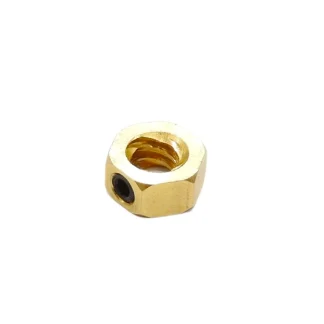
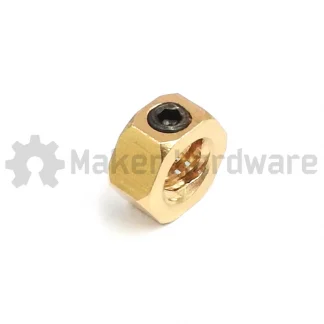
Grab a 2 pin connector for an easy and quick connection and disconnection

|
$2.13 Inc. GSTRead more |
Note: If you are using a controller that already has a connector dedicated for the touch probe, such as the BlackBox or xPRO V5 you do not need this additional connector.
By wiring the touch probe into an EDG connector no soldering is required to interface this sensor to your machine. This also allows for quick and easy plug and play addition and removal once the touch-plate is wired up and installed.
Specifications:
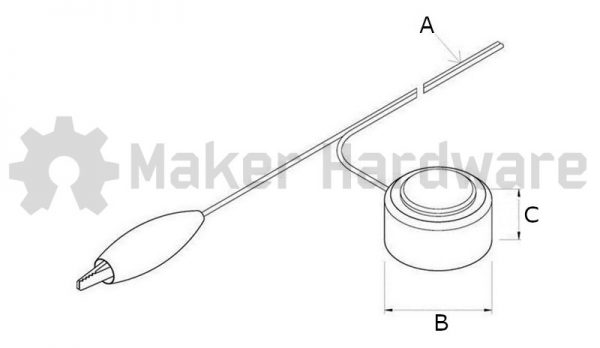
The dimensions for the the touch probe are as follows:
- Cable Length (A): 115cm
- Diameter (B): 35mm
- Height (C): 20mm
Tips and Tricks
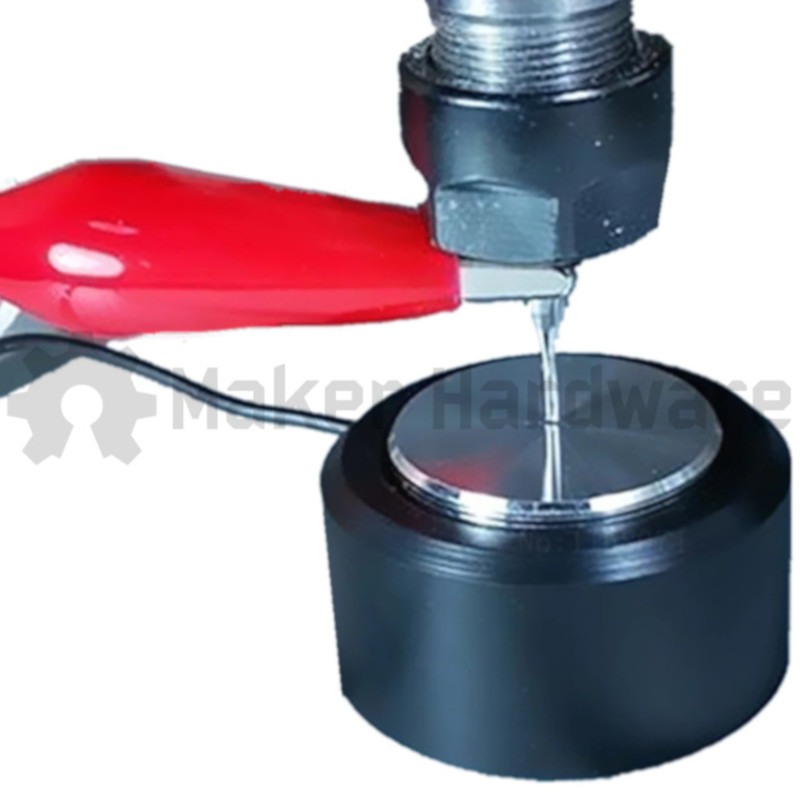
- Place your touch probe on top of the work piece.
- Connect the EDG connector to your controller board.
- Attach the Touch probe alligator clip to your endmill.
- Activate your machine and manually jog the machine to the middle of the touch probe about 5mm off of the probe’s surface.
- Use the relevant software to begin the probing process and therefore zero your work piece.
NOTE:
- Alligator Clip included