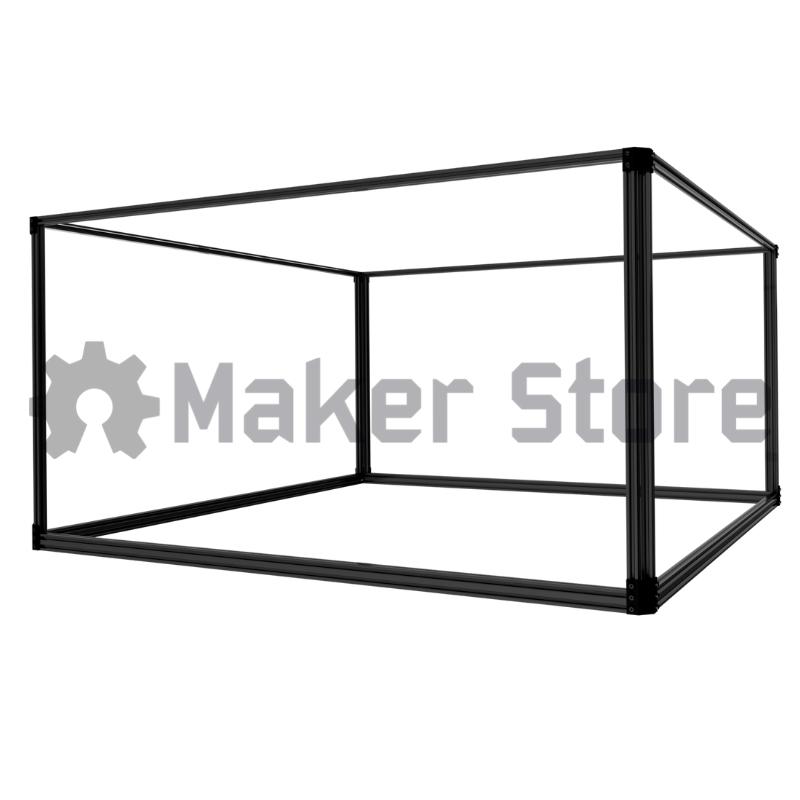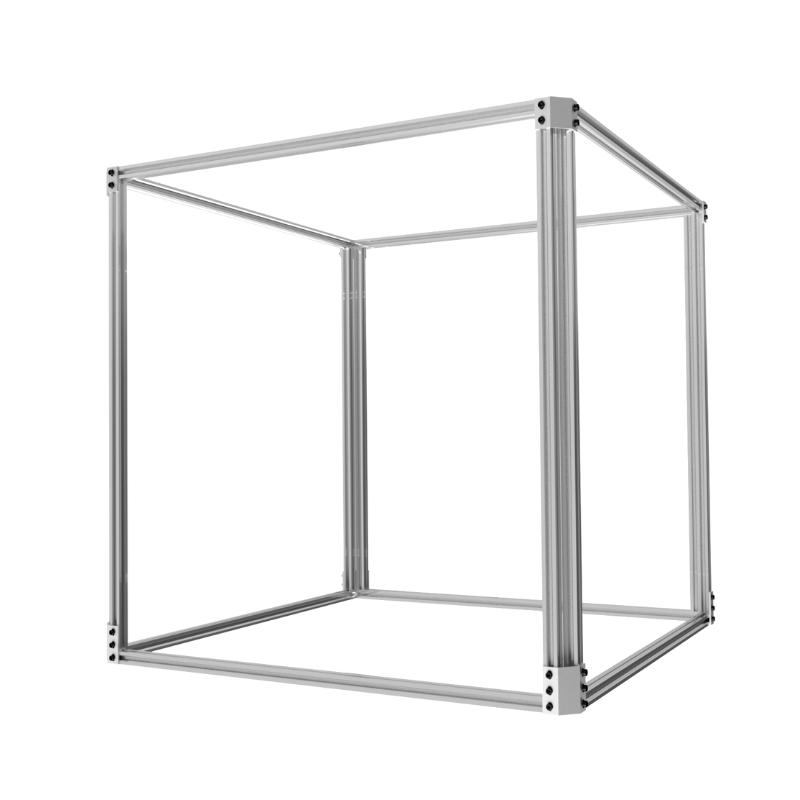
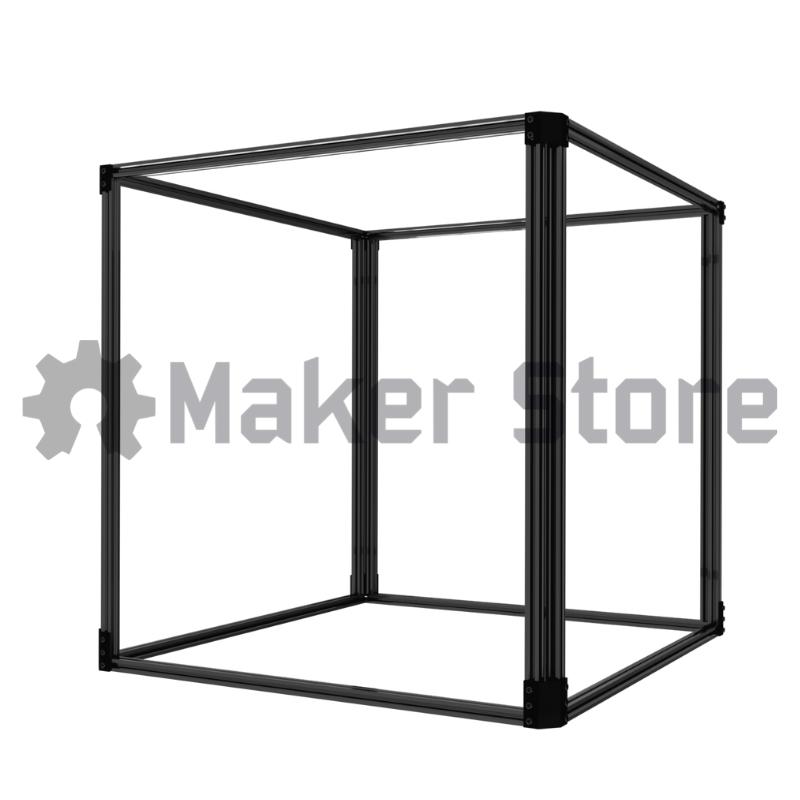
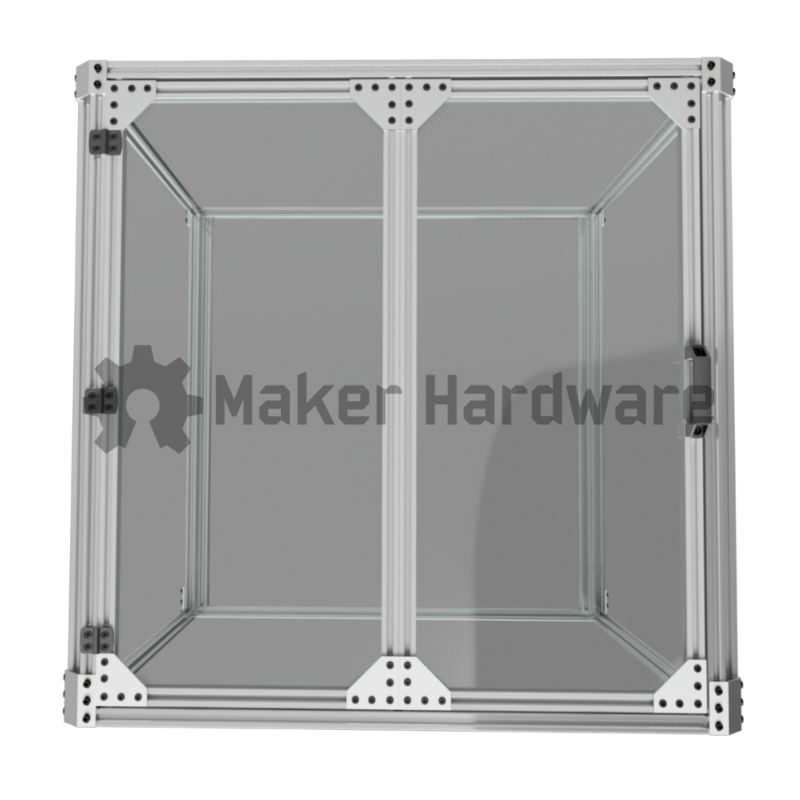
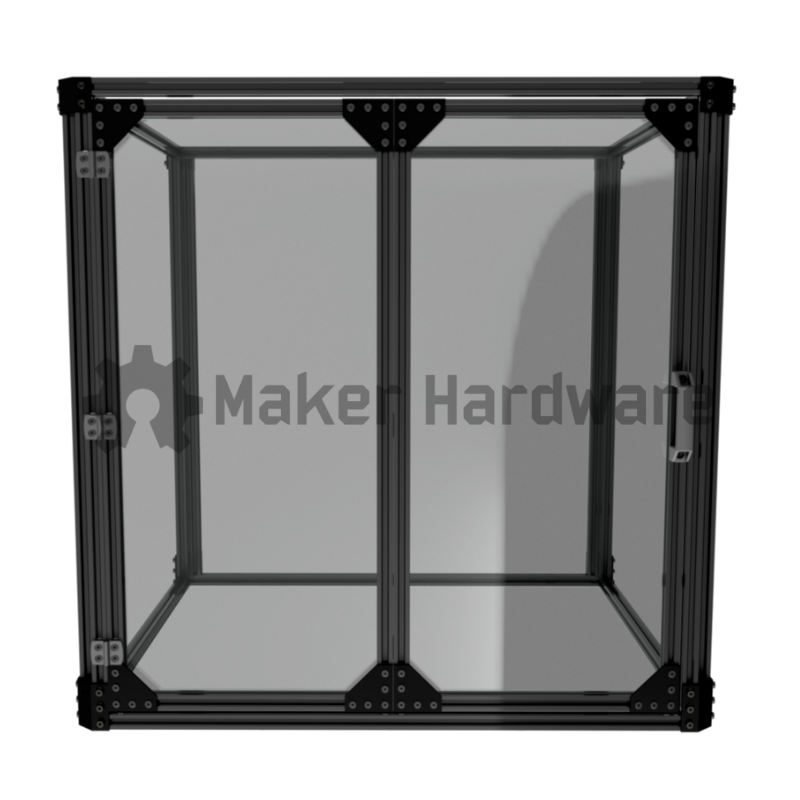
Description

Enclosures help reduce the amount of dust a CNC Router will spread. It also acts to reduce the noise generated by your machine, and will protect your machine, and your workshop, from elemental damage like particulate, temperature and harmful laser rays while also dampening the sound generated by your machine.
This enclosure can be used for so much more though! Use it with your 3D Printer, CNC Laser, Plants, Fine China, or to cover/display anything else! Seal your enclosure with panels on all sides and the top, then add a ventilation/extraction system to contain and remove smoke or odours from your laser or 3D printer set up.
With the modular nature of our Modular Enclosures, the list of possible applications is only limited by your imagination!
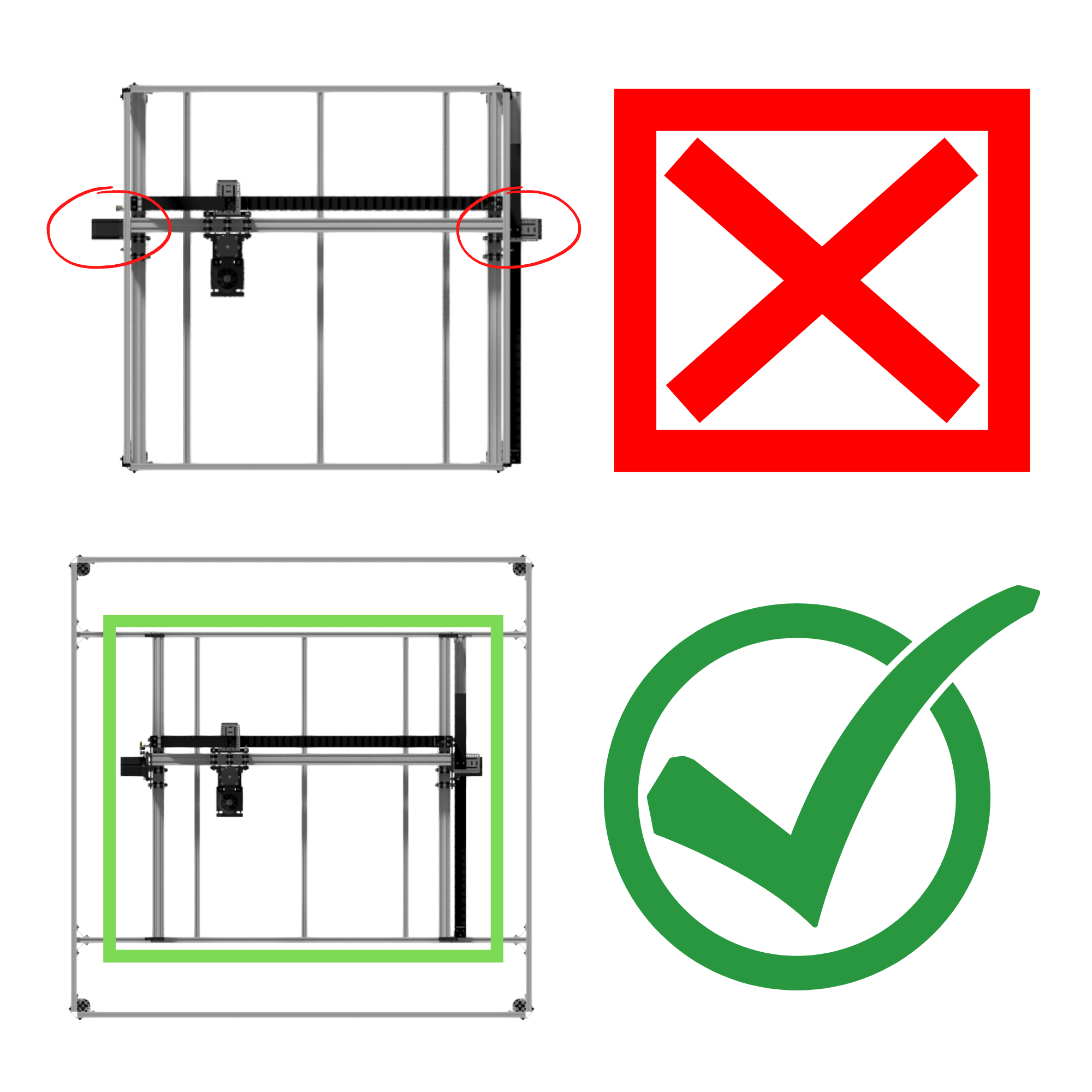
If you plan to enclose a CNC RouterYou will need an enclosure one size larger to fit most machines. See the table below for correct enclosure pairing. |
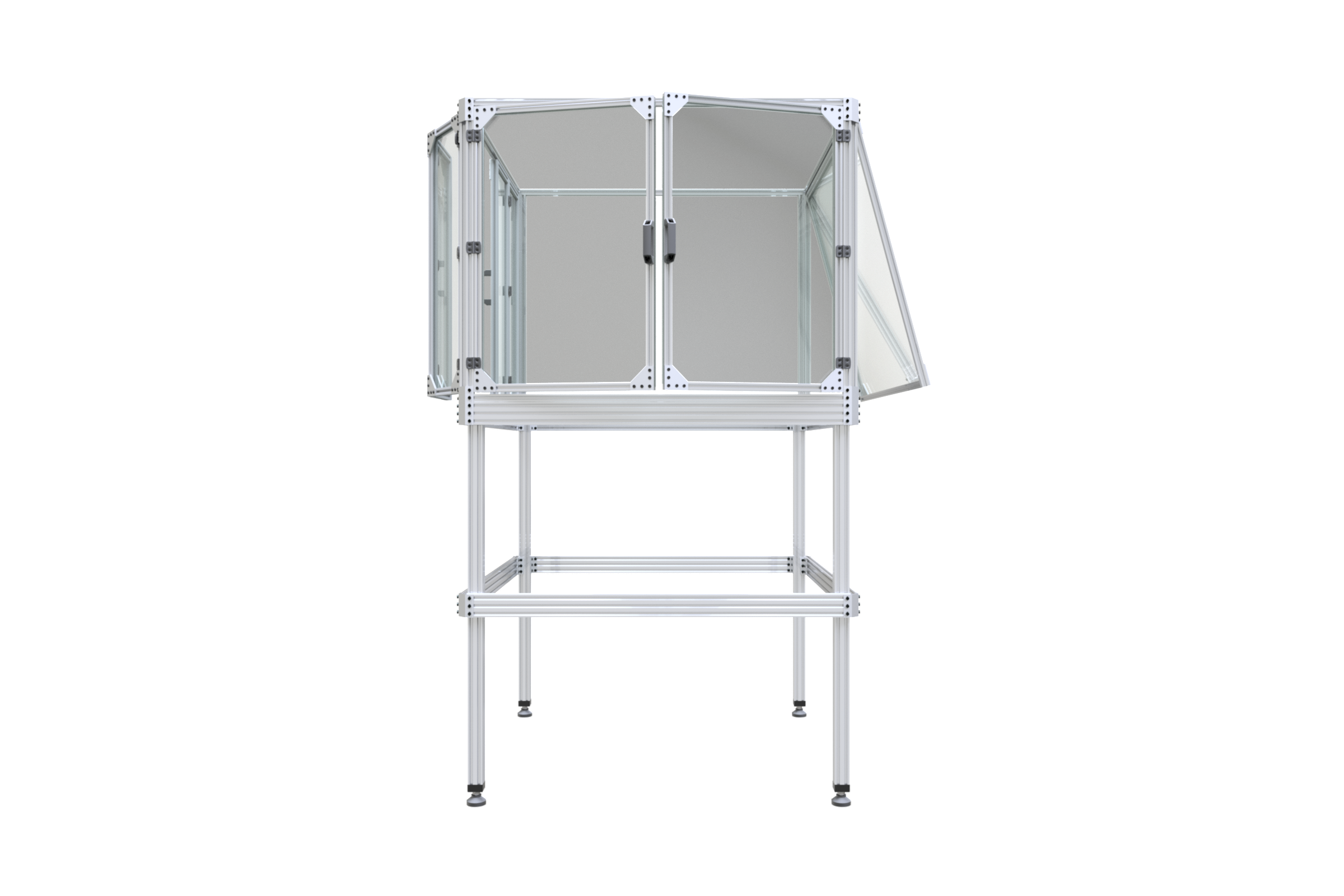
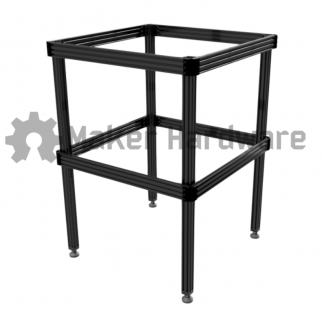
Enclosures are made specifically to fit our Machine Tables, but can also very easily be mounted to a table top or bench. Machine Tables fit our CNC Routers perfectly, however on a CNC Machine the motors protrude past the footprint of an enclosure of the same size.
For example, a 1000x1000mm WorkBee V3 Y-Axis Gear Rack system has a total frame width including stepper motors of approximately 1250mm, so a 1000x1000mm enclosure will not fit the machine. A 1500x1500mm enclosure is required.
Dimensions:
| Machine Size (mm) | Table Size (mm) – If not installing an enclosure | Table + Enclosure (mm) – If installing an enclosure |
| 600×600 | 600×600 | 750×750 |
| 750×750 | 1000×1000 | 1000×1000 |
| 1000×1000 | 1000×1000 | 1500×1500 |
| 1000×1500 | 1000×1500 | 1500×2000 |
| 1500×1500 | 1500×1500 | 2000×2000 |
If you have any questions about what size enclosure you require for your set up please reach out to us at sales@makerstore.com.au
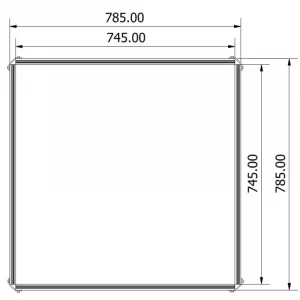
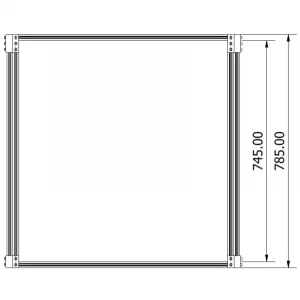
Adding doors to your enclosure:
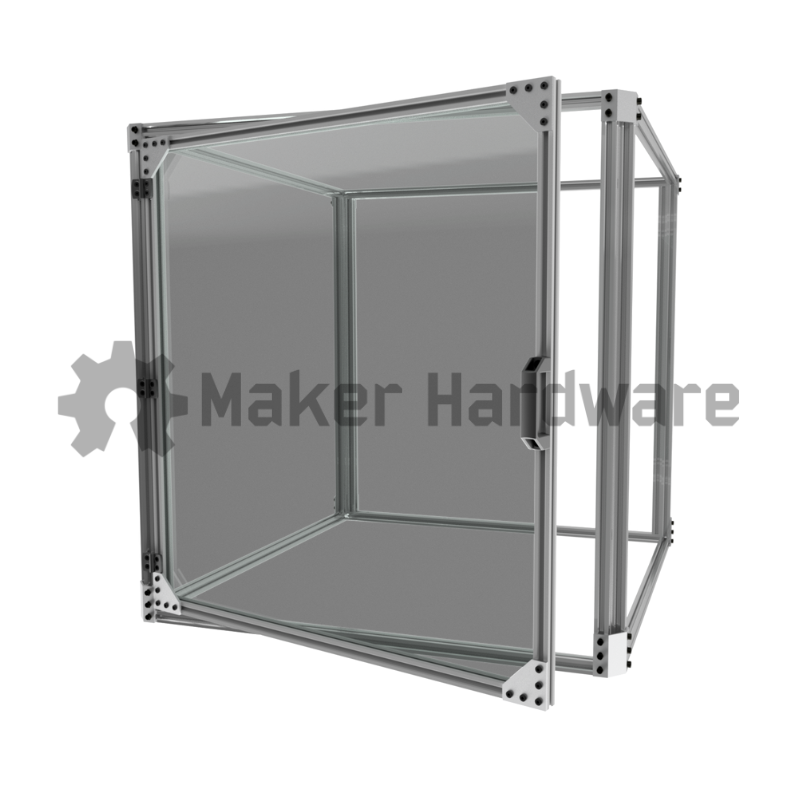
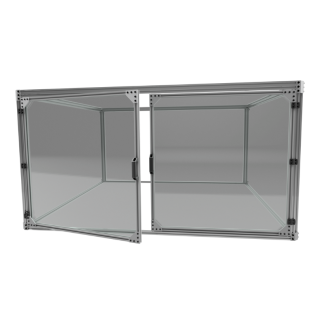
We have three different options for doors that can be installed onto the enclosure. When selecting the doors, think about the application you are using the enclosure for. If you are using the enclosure with a CNC Router we recommend having doors on at least two sides (Front and Left or Right). If you are using the enclosure with a 3D Printer one door is generally sufficient. If you are using the enclosure to house equipment or protect something fragile, one door is generally sufficient.
The modular nature of our Modular Enclosures means that you can always add doors, or remove them, easily and quickly later with just a few turns of an Allen key.
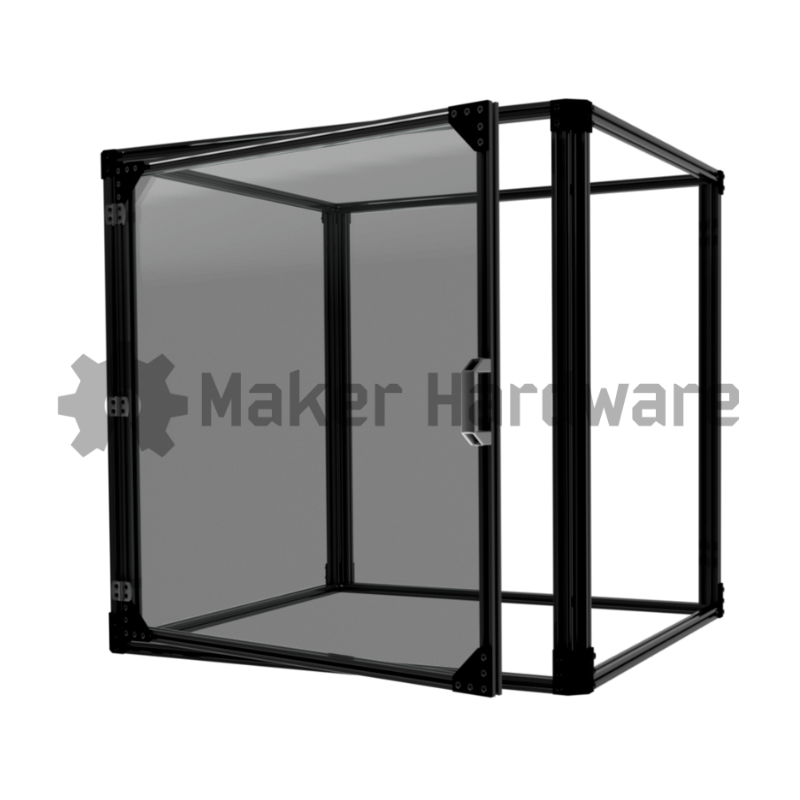
Standard Doors are the idea solution for CNC Routers, 3D Printers and other dirty equipment. Simple and effective in design, they are a good all round option.
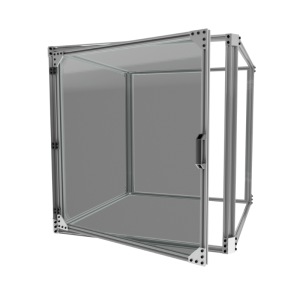
Bifold Doors are our recommended choice for both looks and space saving, especially if the enclosure is used as a display. A single Bifold door comes with two folding frames and a double set of hardware.
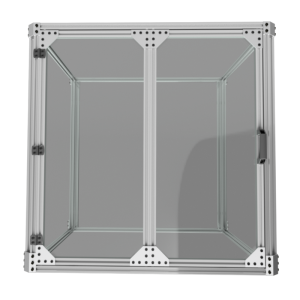
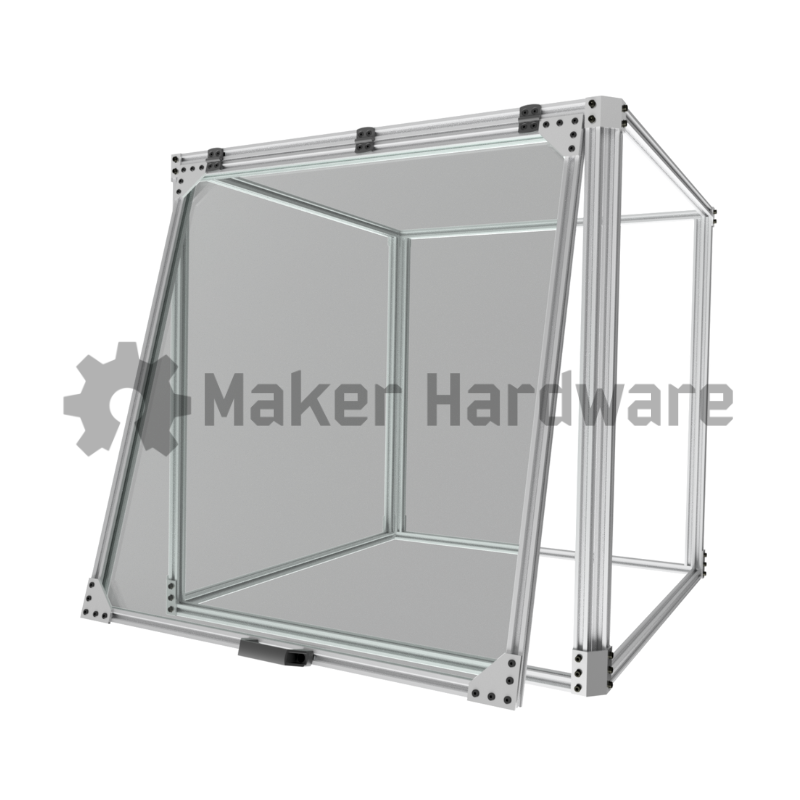
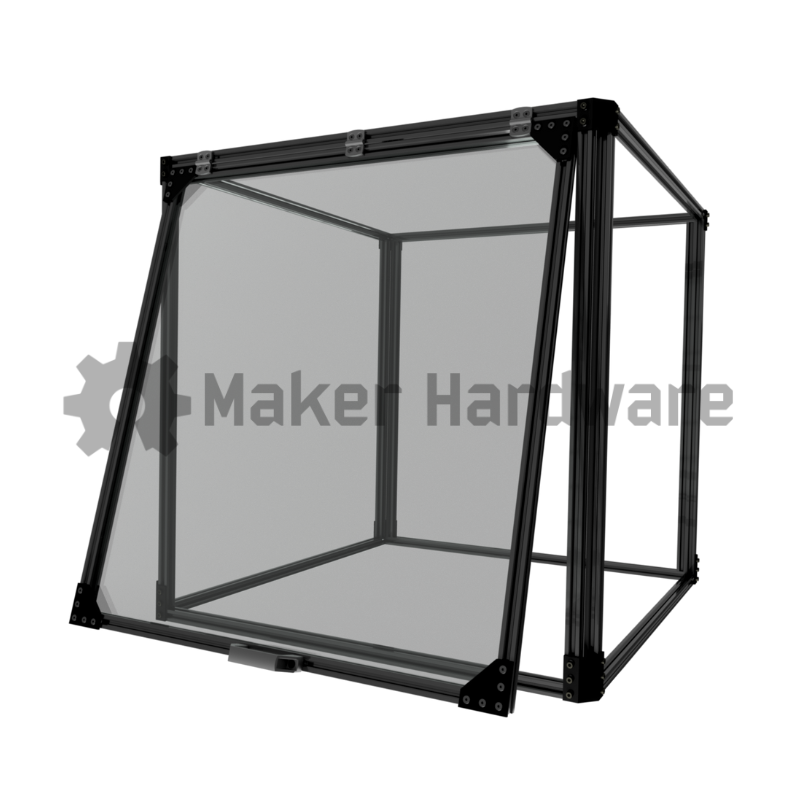
Awning Doors are the perfect option for a laser machine. Put laser protective acrylic in this door to protect your eyes when using diode lasers by blocking the stray laser radiation reflections.
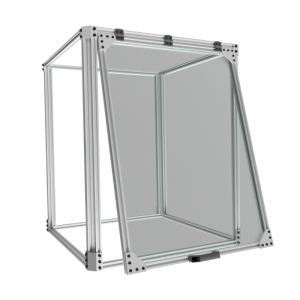
Pro Tip: Install gas struts to this door to hold it up.
Enclosure Kits Come With:
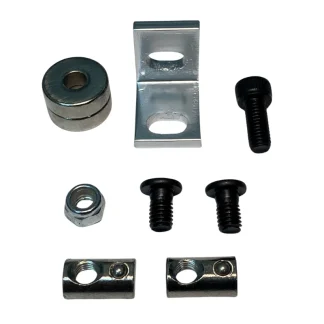
Enclosure Hardware Pack
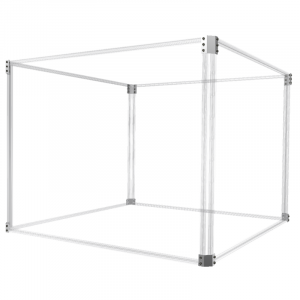
Eight 2020 V-Slot Extrusion Uprights
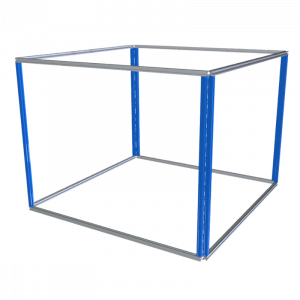
Four 2020 Length V-Slot Extrusion
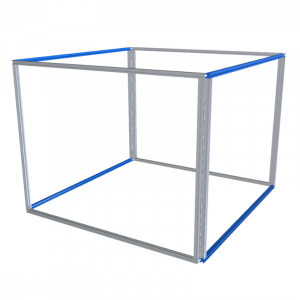
Four 2020 Width V-Slot Extrusion
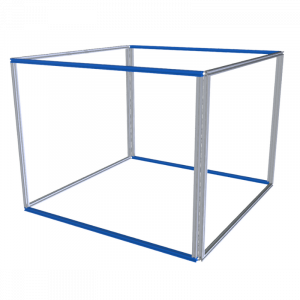
Optional Doors Come With:
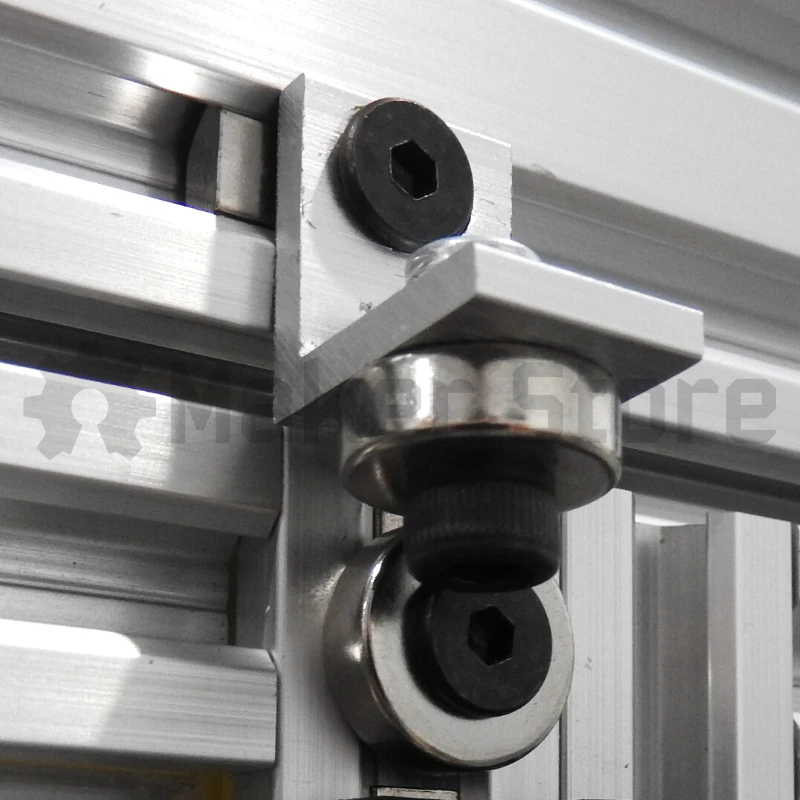
Enclosure Door Hardware Packs
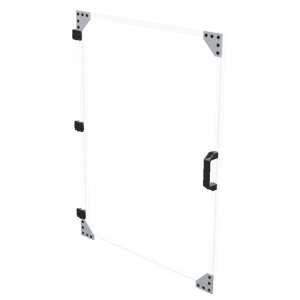
Enclosure Door Extrusion set
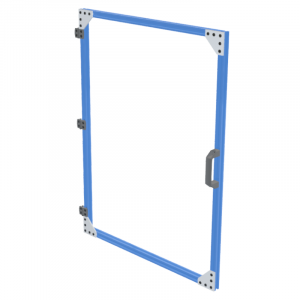
NOTE: This listing is for the enclosure frame and optional doors, it does not include 6mm panelling that slide in your enclosure frame.
Disclaimer for 750mm Extrusion: 750mm Extrusion is cut from a 3000mm length, actual length is 747mm to include saw blade width.
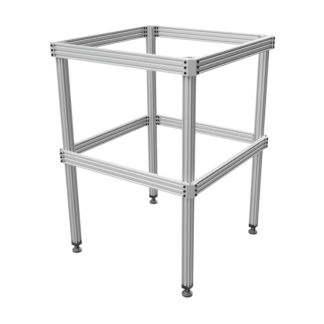
![Enclosure - 2000x2000x750 [COMING SOON]](https://staging1.makerstore.com.au/wp-content/uploads/2022/08/MODS-ENCL-2020-L150W150H75-S-01-1-e1661734295209-324x324.jpg)