
Description
Technical Overview
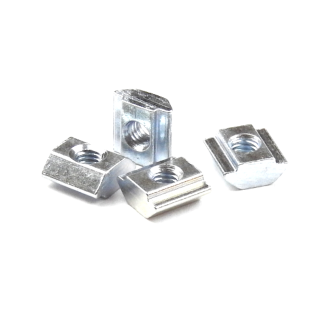
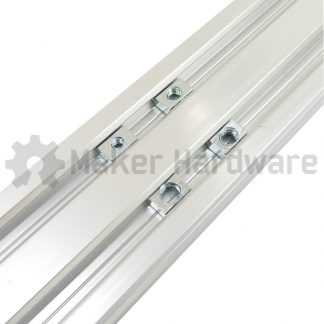
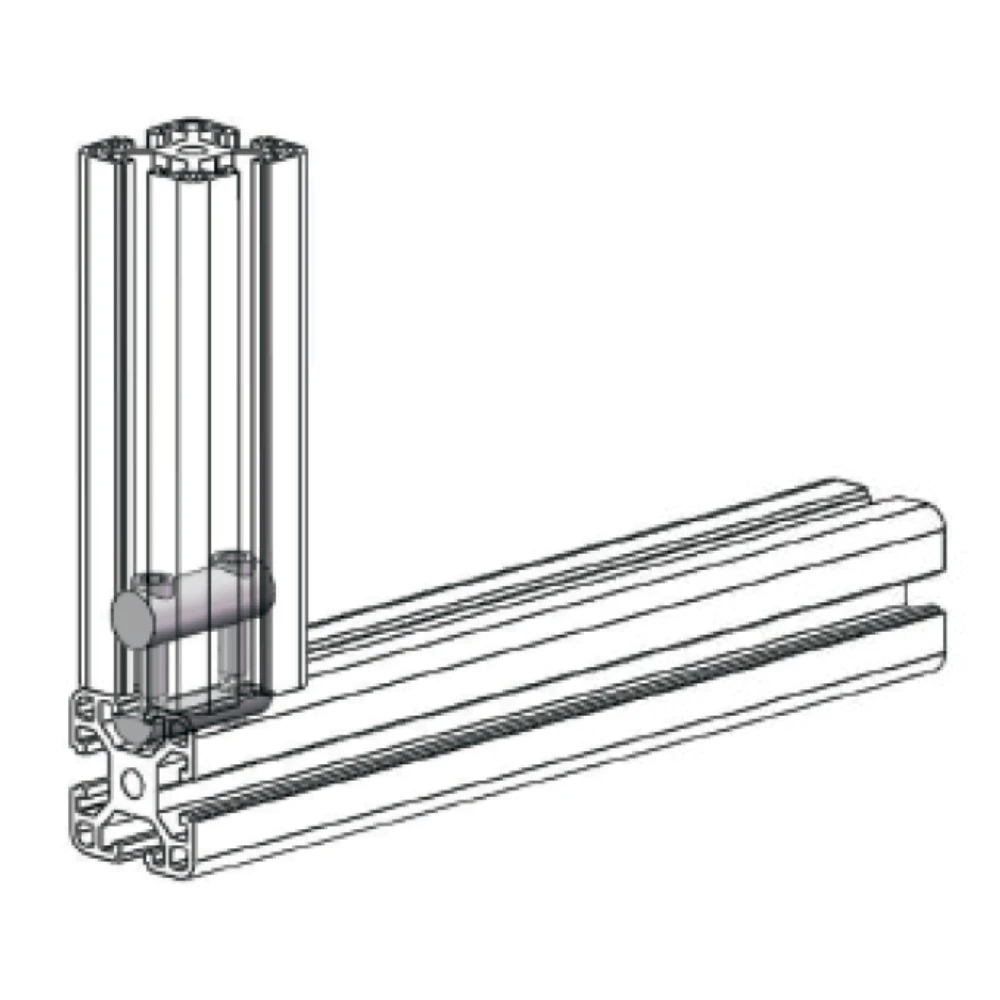
The drop-in tee nut functions as a post-insertion fastener. Builders can add this component anywhere along the slot channel of V-Slot or compatible aluminum extrusion profiles. In contrast to standard hardware, you do not need to thread this nut from the rail ends. Instead, you can place it directly into the open track at any stage of the building process.
First, you insert a screw and begin tightening it. Consequently, the rotational force turns the tee nut inside the channel. This movement securely engages the nut against the underside of the extrusion track. Ultimately, this mechanism creates a reliable component mount and simplifies structural additions on pre-assembled frames.
Applications
Builders install drop-in tee nuts across various modular builds. For example, these include 3D printers, CNC machines, and custom robotics structures. These environments frequently require post-assembly adjustments. Therefore, these nuts provide a practical way to add brackets, sensors, or auxiliary plates to an existing frame. Most importantly, you can complete these additions without disassembling any structural joints.
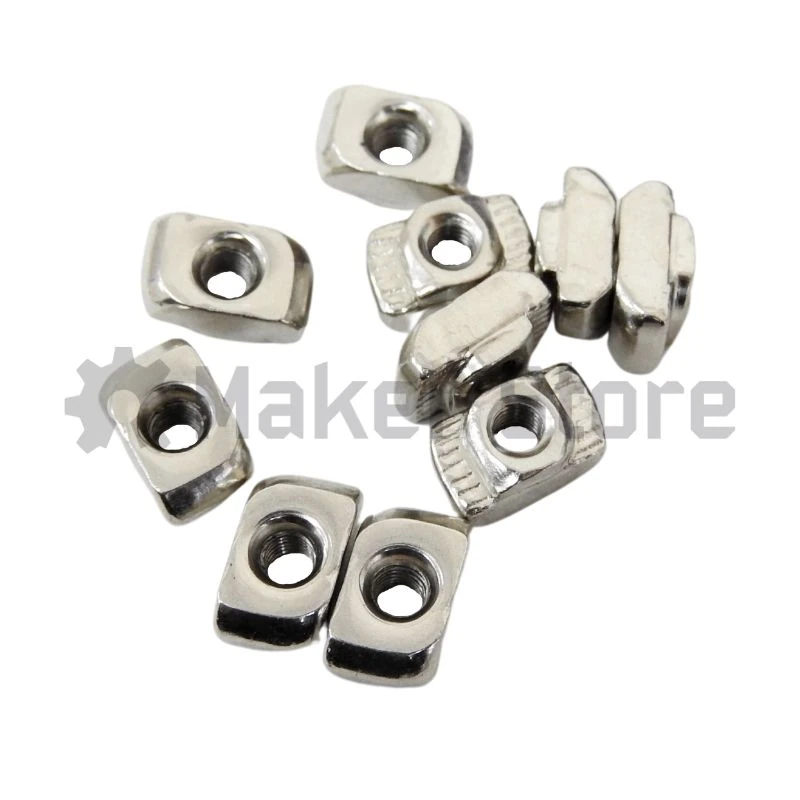
During installation, you place the nut flat into the slot. Next, you tighten the engaging screw. As a result, the nut rotates and locks itself into position. Meanwhile, its integrated teeth bite into the anodized coating of the extrusion. This action establishes a secure, slip-resistant mechanical connection.
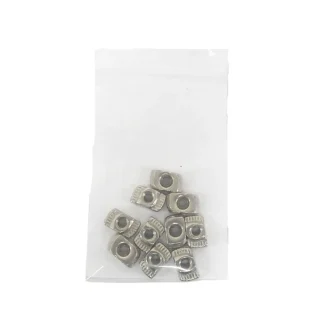
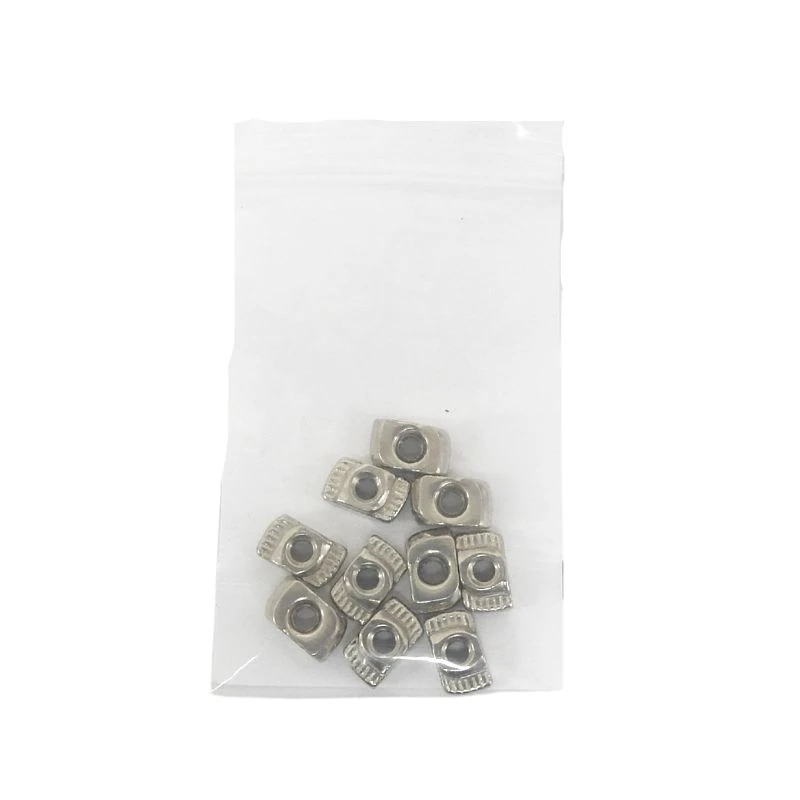
10 x Drop In Tee Nuts in a pack.
Maker Store Tips and Tricks
-
Keep a selection of these hardware components readily available during assembly to easily manage unexpected modifications later in the building process.
-
Ensure the screw length matches the thickness of the plate being mounted to allow the nut enough clearance to rotate and lock properly inside the track.
-
Apply firm downward pressure on the screw when initiating the turn to help the nut pivot correctly and engage its locking teeth into the anodized lining.
Unsure if this product is compatible with our aluminium extrusions?
Look for the Maker Store Compatibility Badges!