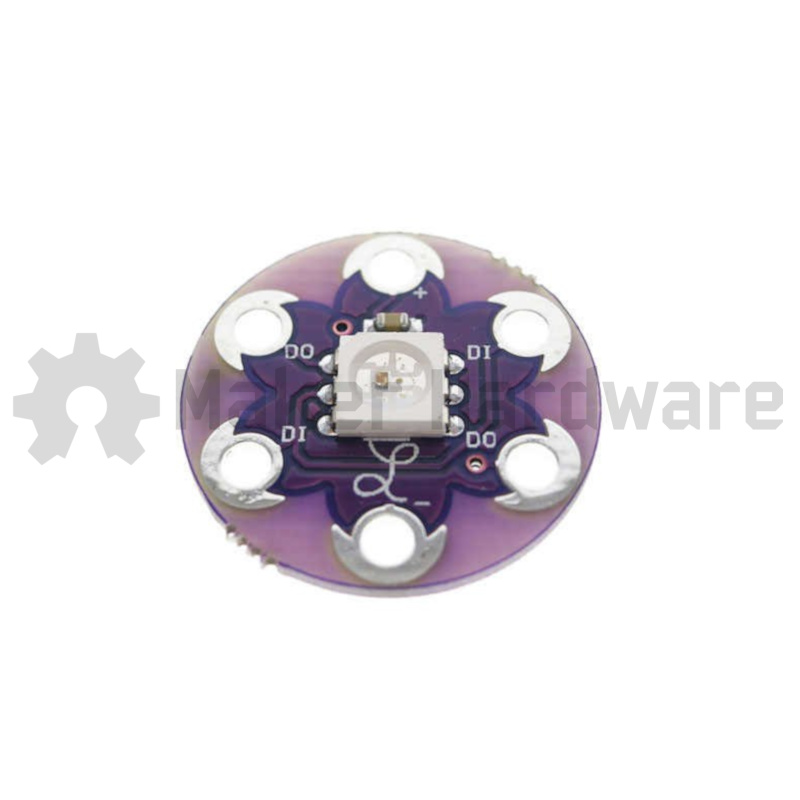
Description
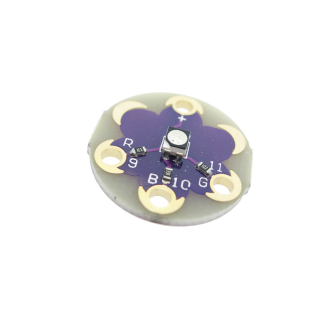
The LilyPad Pixel Board allows colour to be added to a LilyPad project without having to stick with just one LED colour choice. The LilyPad Pixel Board makes it possible to showcase a variety of colours with less wiring, several Pixel Boards can be chained together and controlled by one pin on a LilyPad Arduino.
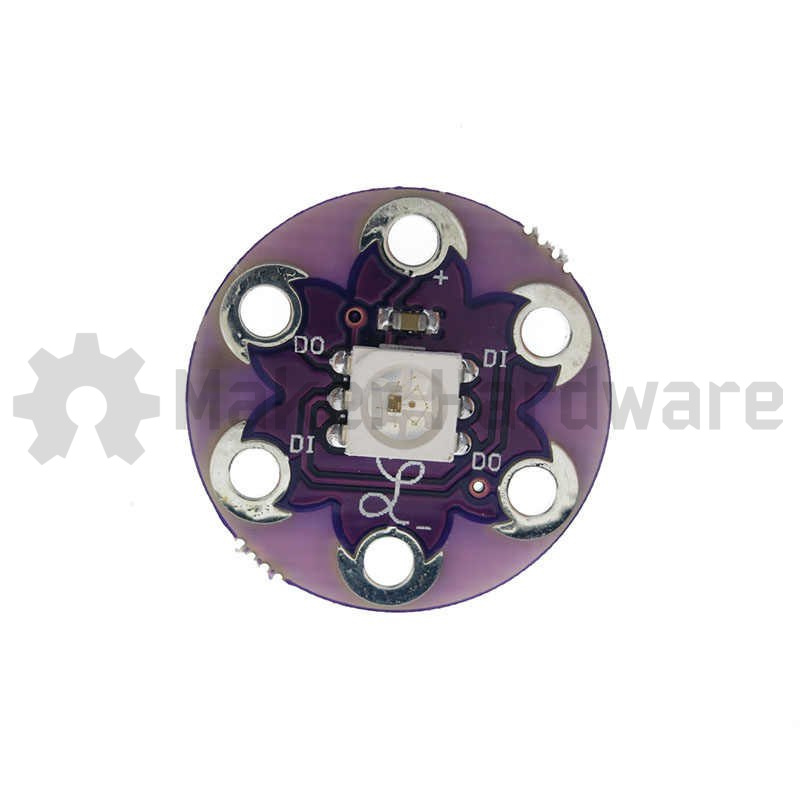
The LilyPad Pixel Board is not a simple LED but is actually an RGB LED with a WS2811 ( a programmable NeoPixel LED Driver Chip ) built into the LED.
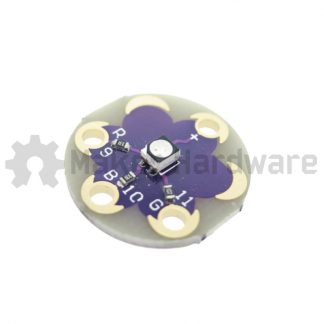
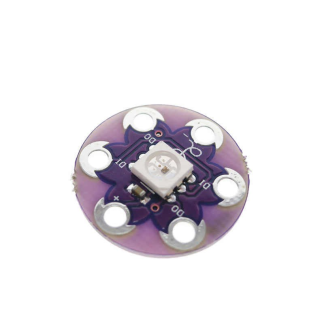
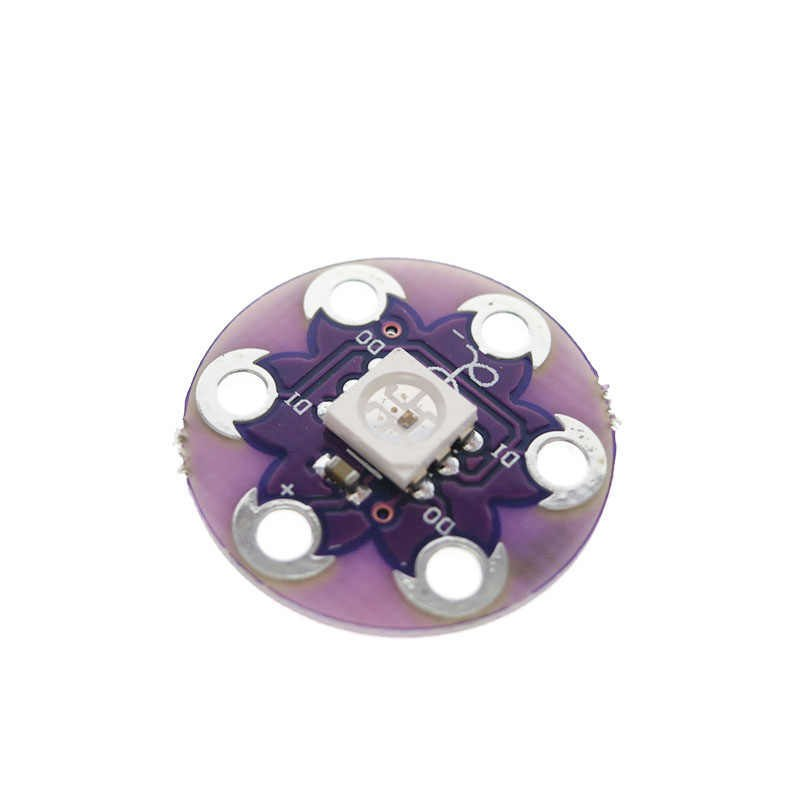
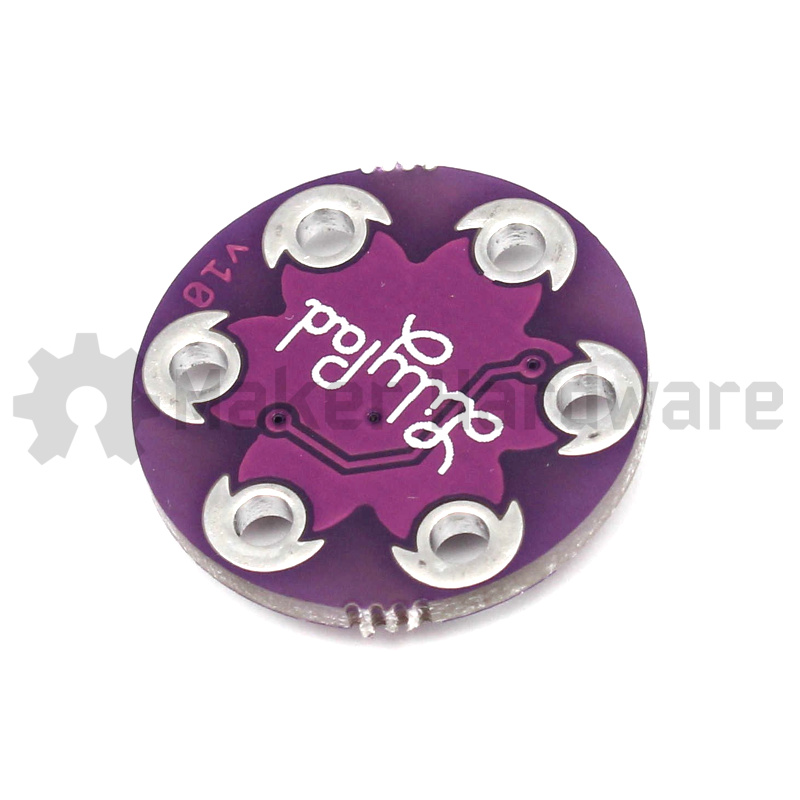
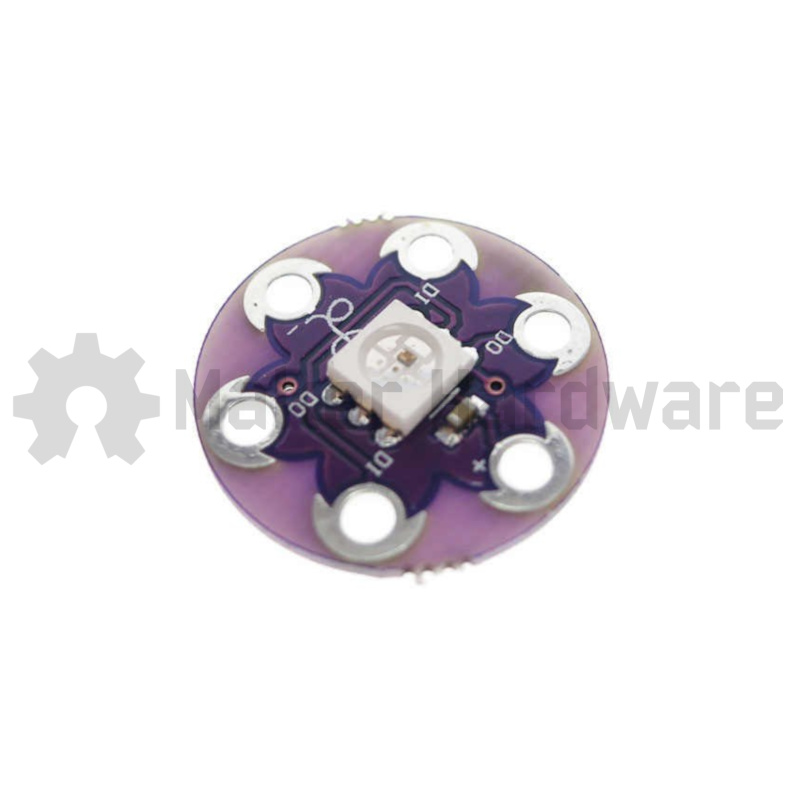
The Pixel Boards require three types of connections ( Power, Ground, and DATA ). Each board has 2 pairs of DATA Pins, DI for Data In and DO for Data Out ( four data pads on the board ).
Multiple Pixel Boards can be daisy chained by connecting the Data Out from one to the Data In of the next.
Specifications :
- Model : LilyPad Pixel Board WS2812
- 6 Pads :
- 2 x Power ( + & – )
- 2 x DATA In
- 2 x DATA Out
- Operating Voltage : 3V – 5V
- Colour : Purple
- LED Colour : Variable
- Shape : Circular
- Weight : 2g
- Dimensions :
- Length – 20mm
- Width – 20mm
- Height – 2.7mm
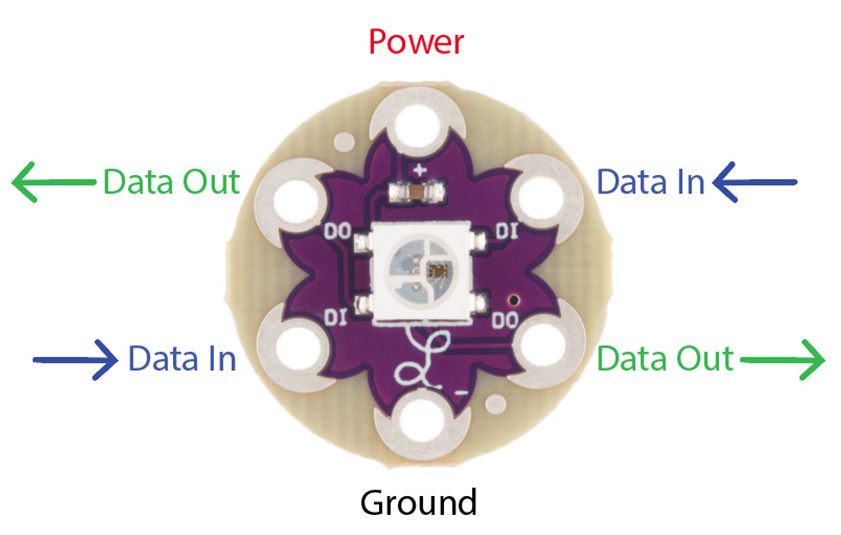
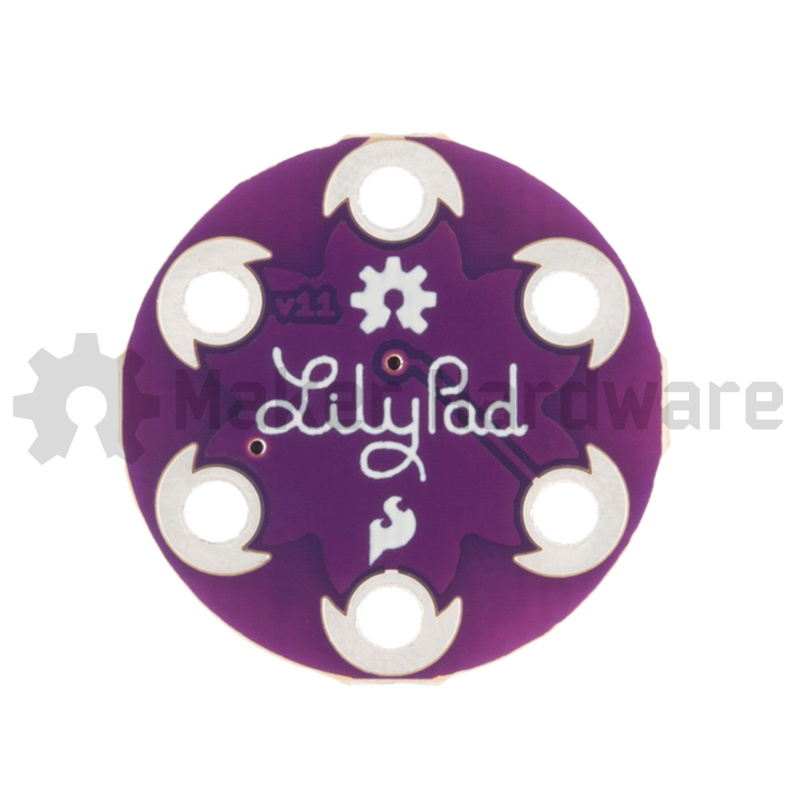
LilyPad Pixel Board shown in diagram above is cream colour. MakerStore LilyPad Pixel Board is purple colour.
More Information :
LEDs on the LilyPad Pixel Board can be very bright. Diffusing the LEDs is recommended, this can be achieved by placing thin fabric over the LED.
Voltage-drop issues can arise when the LilyPad Pixel Boards have been programmed to different brightness levels, this is due the a voltage fluctuation on the power line created by the changes in current drawn. This can be prevented in several ways :
- Use wire instead of conductive thread
- Use multiple power loops to shorten the conductive thread power lines
- Keep the conductive thread power lines as short as possible to lower the resistance of the thread.
- Add capacitors to the circuit