When it comes to deciding on an electronic system to control your CNC machine there are many opinions on the options to choose from and researching these can lead you down a rabbit hole. However, a great place to start is with the software. The choice of software to control your machine will dictate the options available for electronic hardware.
Here at Maker Store we offer several different electronic systems including; E5X MCS T4.1, Mach3, xPRO V5; for controlling your CNC machine, each with its own pros and cons….
E5X MCS T4.1
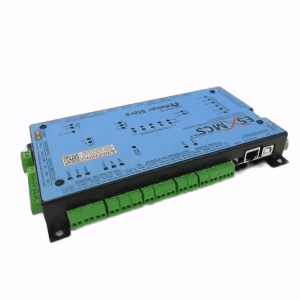
The E5X MCS T4.1 has become the Maker Store favourite and is our professional recommendation to all CNC enthusiasts.
The E5X MCS T4.1 is an Ethernet-controlled 5-axis Motion Control System based on Teensy® 4.1 that has been designed in Australia. It is an easy-to-use and powerful CNC motion control system capable of controlling 5-axis CNC machines. As CNC machines evolve, there is a great demand for high-performance CNC controllers such as the E5X MCS.
The E5X MCS is a powerful 32-bit CNC controller, running on grblHAL firmware which is fast becoming the firmware of choice for CNC control due to increased functionality and added features, far superseding the current 8-bit CNC controllers running on the standard grbl or grbl esp32. Depending on the user’s requirements, E5X MCS can be connected via a USB or ethernet interface.
The layout of E5X MCS has been designed for ease of use and practicality in mind with inputs and outputs easily accessible via secure and pluggable connectors. The E5X MCS is pre configured and is ready to use right out of the box.
| Pros | Cons |
|
|
grblHAL

The E5X MCS T4.1 uses the advanced grblHAL firmware because of the several benefits it offers.
grblHAL is an advanced open-source firmware used for CNC control and is an upgraded version of grbl that is designed for the more powerful 32-bit processors. The architecture of grblHAL consists of a hardware abstraction layer (HAL) that completely separates the core grbl code from the processor/hardware-specific code (driver code), enabling users to write additional drivers relatively easily. Moreover, the HAL offers optional function pointer entries (hooks) that enable the driver to modify settings, add M-codes specific to the driver, expand the real-time report, add real-time processing, etc. Once more, this does not require any changes to the core. As a result of these benefits, grblHAL outclasses conventional grbl firmware.
| Pros | Cons |
|
|
xPRO V5
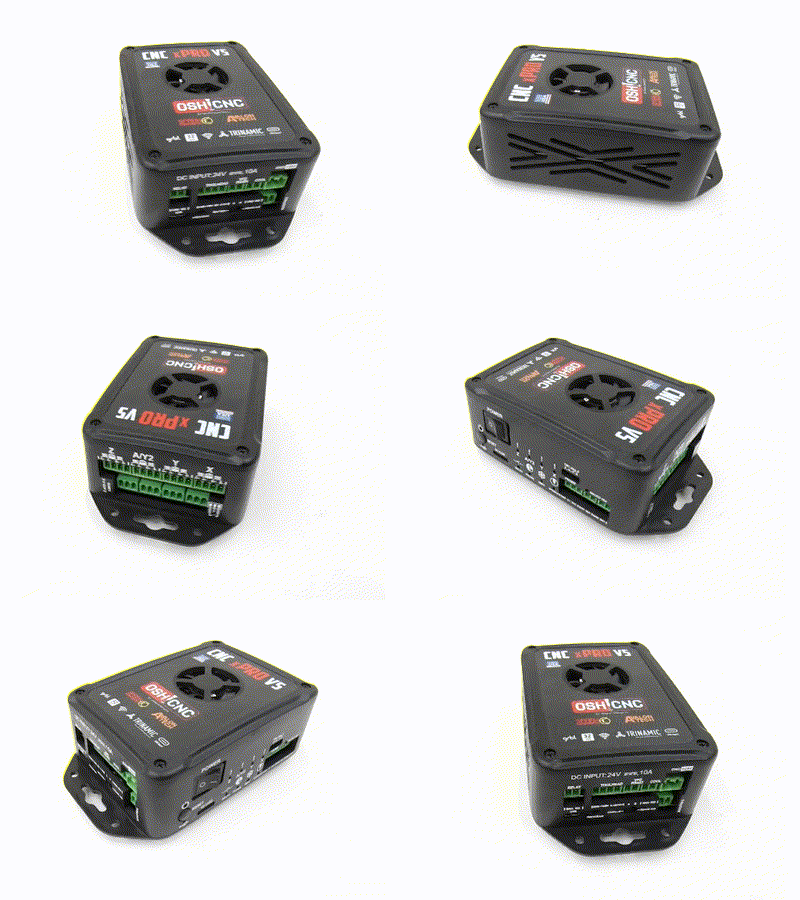 The xPRO V5 is considered an upgrade to all GRBL based controllers including the BlackBox Motion Controller.
The xPRO V5 outperforms all other motion control systems in its class boasting features including an easy plug and play connection system, high quality German 6A stepper drivers (capable of controlling a NEMA34!), and a 32 bit processor with more than 4x the processing power of other Arduino (ATmega) based controllers (including the BlackBox).
The xPRO V5 Motion Controller is pre-assembled comes pre-flashed with the latest version of GRBL. The controller is designed by Spark Concepts in the USA . This controller is easy to use and is suitable for hobby level CNC Machining as well as commercial CNC Machining. The xPRO V5 runs a port of the GRBL ESP32 firmware by Bart Dring, which is 32bit port of the GRBL by Sonny Jeon. As such, the xPRO V5 can be used with most current GRBL senders and post-processors.
The xPRO V5 is recommend to users who have little to no experience in CNC control.
| Pros | Cons |
|
|
GRBL

GRBL is a free, Open Source, high performance software for controlling the motion of machines that move, that make things, or that make things move, and will run on an Arduino. GRBL is ready for light duty production. GRBL does not have the functionality that professional CNC Control software have however it is still suitable for hobby level CNC Machining and small commercial applications. More time will be spent tuning and configuring the machine with GRBL.
GRBL running on the CNC Shield through an Arduino UNO is not recommended for beginners or users who have limited knowledge in programming Arduino microcontrollers.
| Pros | Cons |
|
|
BlackBox Motion Controller
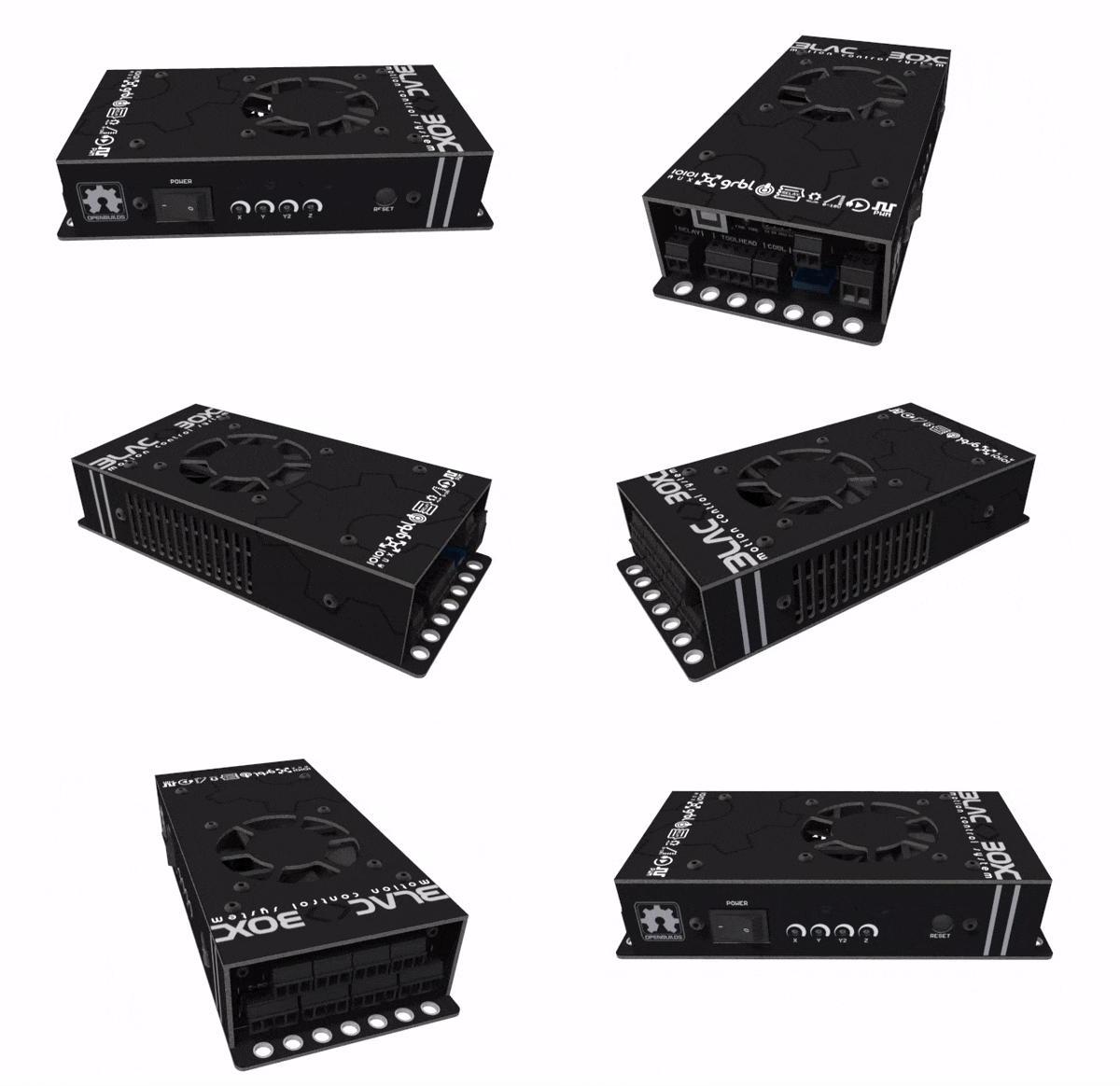
The BlackBox has done the Maker Community well, however it is now being replaced with the upgraded xPRO V5 (December 2020).
The BlackBox Motion Controller is simple to assemble and use. It comes pre-flashed with a modified version of GRBL. The controller is designed by OpenBuilds in the USA . This controller is easy to use and is suitable for hobby level CNC Machining. BlackBox Controller can be thought of as a GRBL based alternative to Mach3. It is GRBL based and runs the OpenBuilds CONTROL software (free download), however you are only limited to using this software (without serious hacking).
The BlackBox Motion Controller an easy controller to wire and use. It is recommend to users who have little to no experience in CNC control or programming.
| Pros | Cons |
|
|
CNC Cable Pack or CNC BYO Bundle
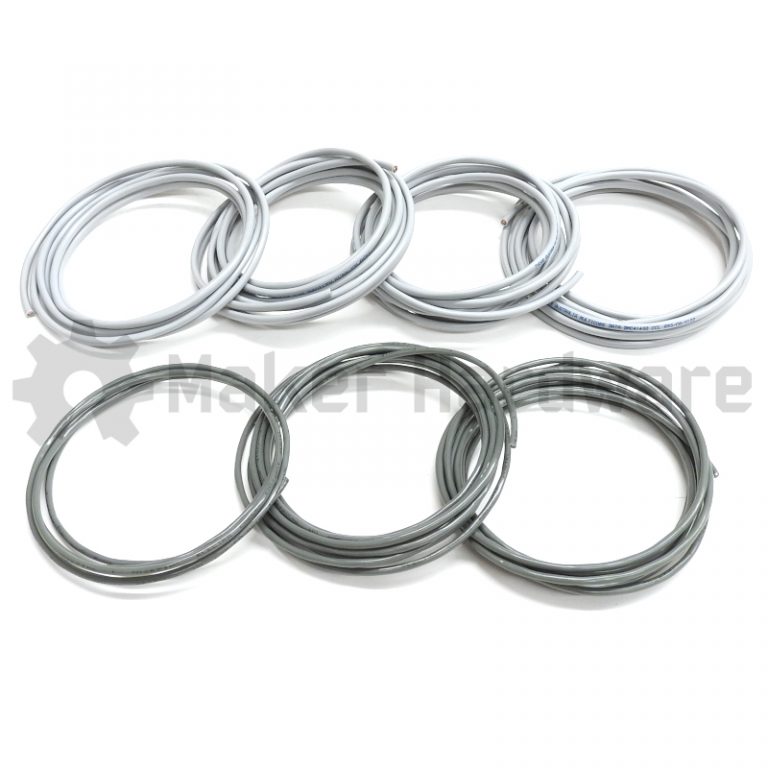
The CNC Cable Pack contains all the necessary cables for controlling 4 Stepper Motors and 3 Limit Switches. We use these in our Cable Bundles and Electronics Bundles.
This is the perfect choice if you are using your own Electronics.
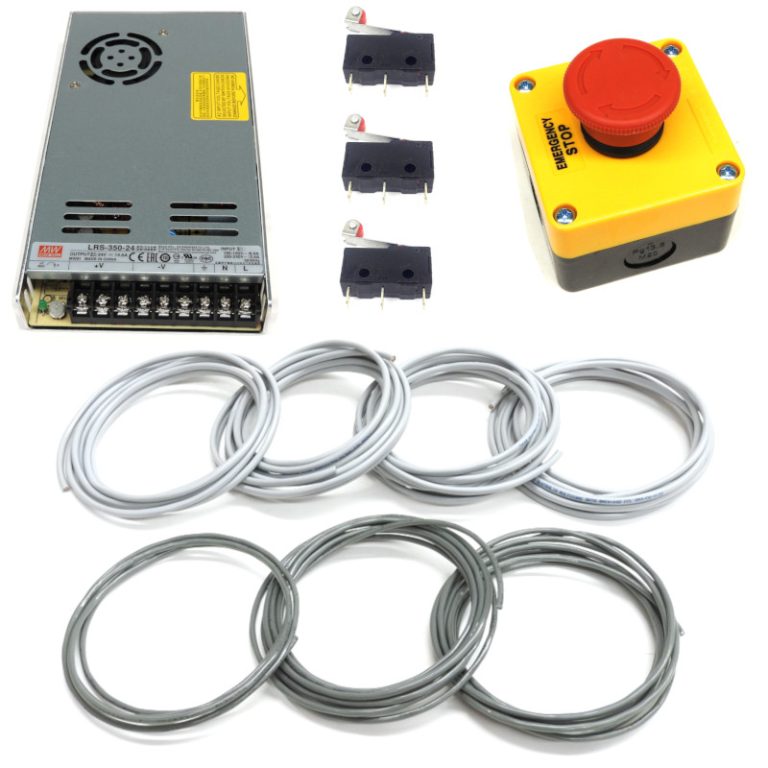 The CNC BYO Bundle is the perfect choice if you are going to use your own CNC Controller and Stepper Drivers. This bundle contains the necessary Cables, a 24V Power Supply, Emergency Stop and Homing Switches.
NOTE: Neither of these options come with a CNC Controller or Stepper Drivers.
| Pros | Cons |
|
|
Mach3 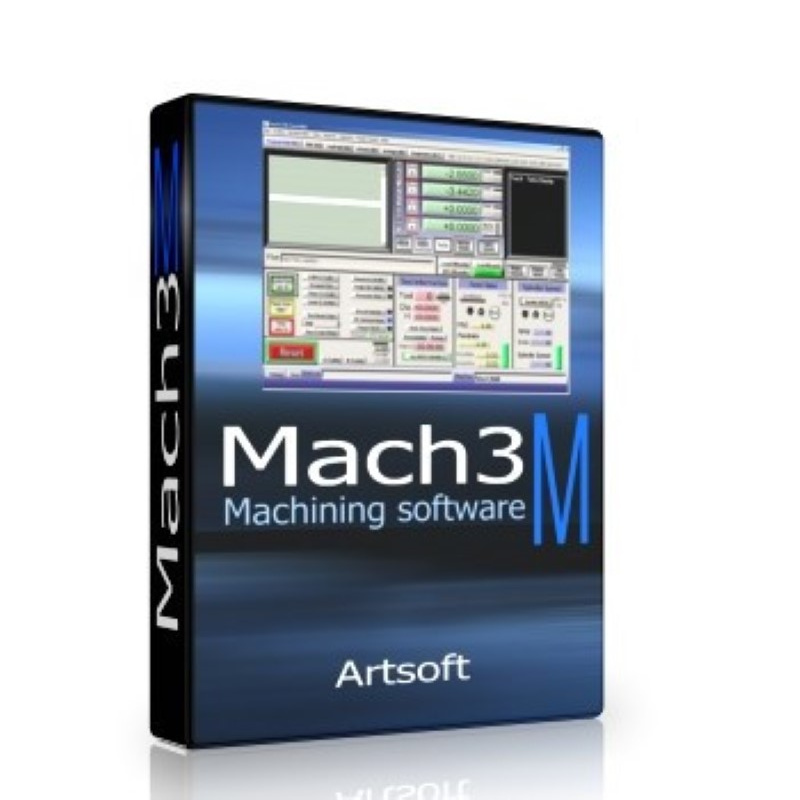
Mach3 is generally user friendly. It does require the one time purchase of a Mach3 license to install the software which is purchased either from Maker Store who is a distributor of Mach3 software, or directly from Newfangled Solutions the developers of Mach3 software. There is a restricted Demo version available for free download for testing prior to purchasing this license. Mach3 has far more functionality than any GRBL software including OpenBuilds CONTROL and is suitable for hobby as well as professional CNC machining. If you are planning on running long or complex cuts we would recommend Mach3. We run Mach3 on most of our machines and recommend it to for any machine that will be used in a commercial application.
| Pros | Cons |
|
|
UCCNC 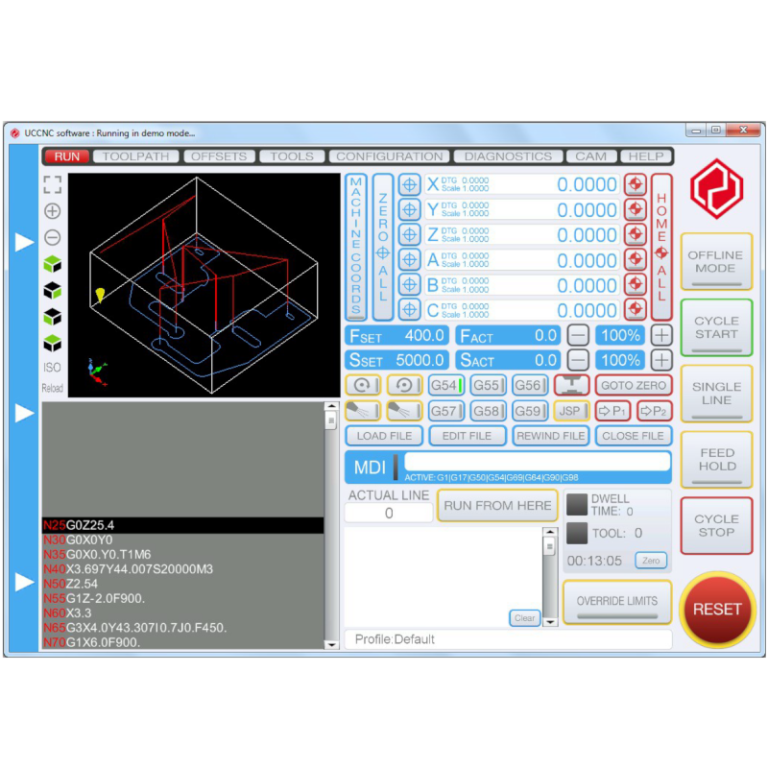
UCCNC is an alternative to Mach3 which we find to be very feature rich, as well as easier to set up. It does require the one time purchase of a UCCNC software license to install the software which is purchased either from Maker Store who is a distributor of UCCNC software, or directly from CNCDrive the developers of UCCNC software. There is a restricted Demo version available for free download for testing prior to purchasing this license. UCCNC has far more functionality than any GRBL software and similar features and functionality as Mach3. It is suitable for hobby as well as professional CNC machining.
This software connects to the external motion controller via a single USB port connection or ethernet connection (depends on the motion controller model) of a personal computer (PC) and via a software application interface (API) which is built into the software. The installer of the UCCNC software includes and completes all the tasks to make it possible to use this software on your computer. The device drivers are included in the installer too.
| Pros | Cons |
|
|
Notes:
There are many other popular software and electronic systems for controlling your CNC Machine that are not outlined here. All advise given is general and it is imperative you do your own research to ensure you choose the right system for your needs and skill set. Electronic hardware for different systems often are not compatible with other software, if you have Arduino hardware you cannot run Mach3 or UCCNC and vice versa. Choosing the electronic path for your CNC machine dictates how you will control your CNC Machine and what software you will use.