Description
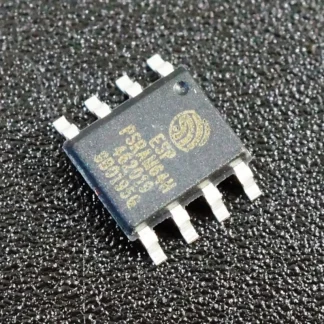
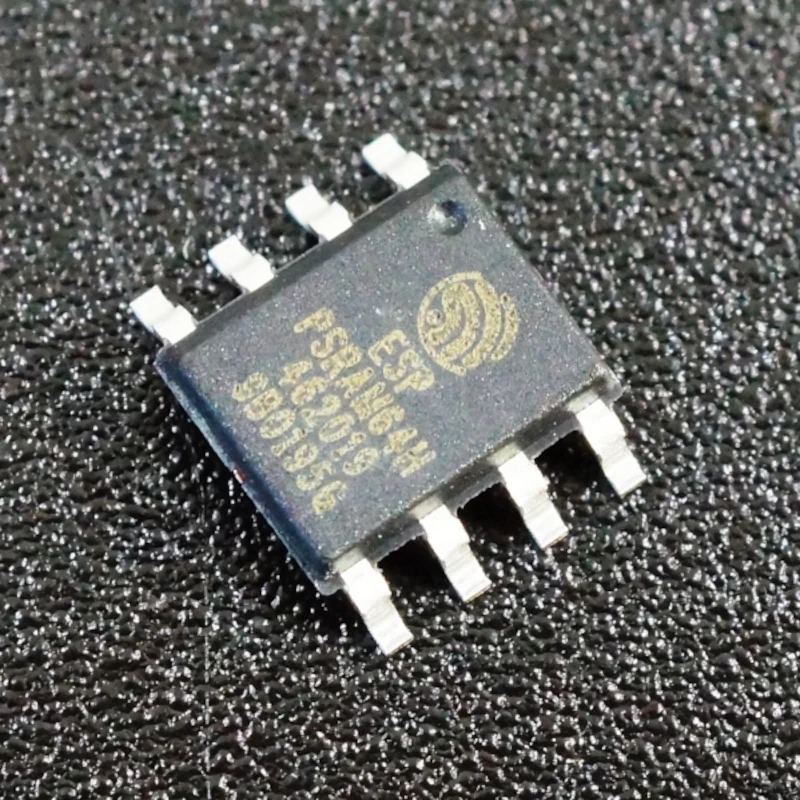
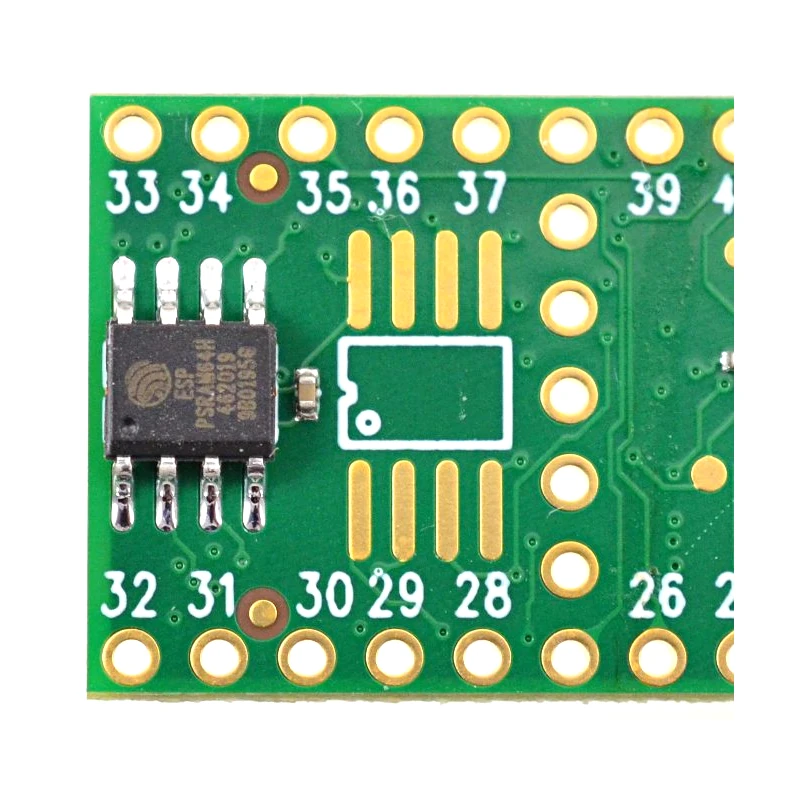
Add 8MB of RAM to your Teensy board for increased processing power! Up to 16MB extra per Teensy 4.1!
Fine soldering of microchips required.
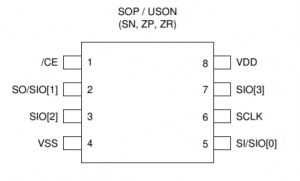
Once you have soldered the PSRAM microchip to your Teensy, you can use this test program to verify that the chip is working correctly.
To set up and use the PSRAM in the Arduino IDE, add the EXTMEM variable to your program and initialize the RAM data to zero or your own data input.
EXTMEM char newData[1000000]; //Creates a EXTMEM character variable “newData”
void setup() { strcpy(newData, “Hello World”); } //”newData” now contains the character string “Hello World”
void loop() { Serial.println(newData); delay(500); } //Prints “Hello World” straight from the PSRAM into a console window!
If the EXTMEM variable is not initialized it will result in random data output.
- 8MB PSRAM Chip