
Description
Technical Overview
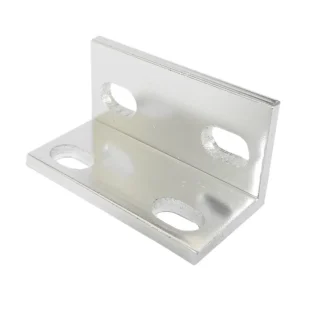
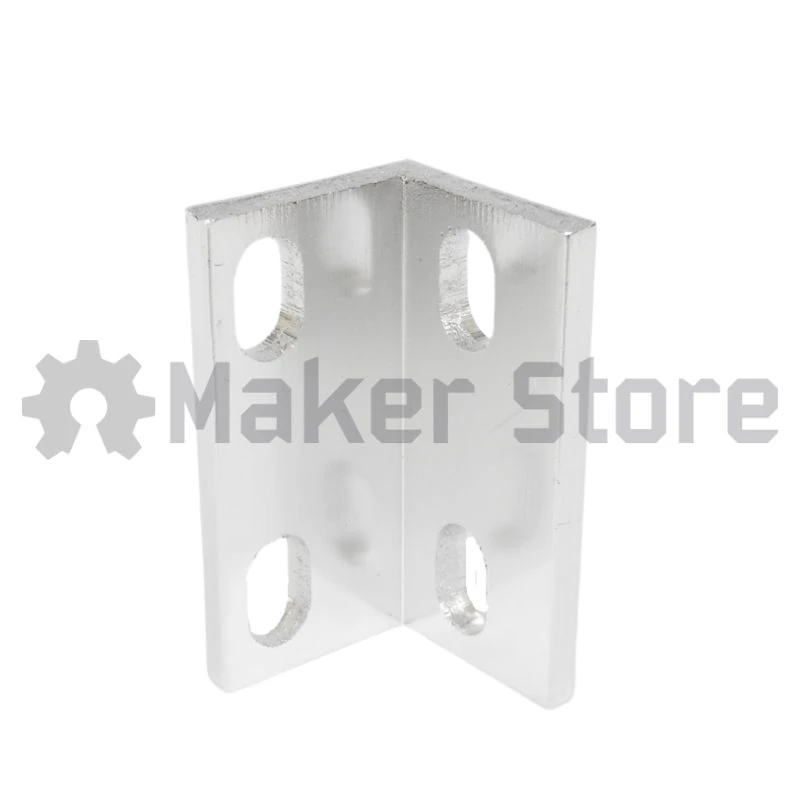
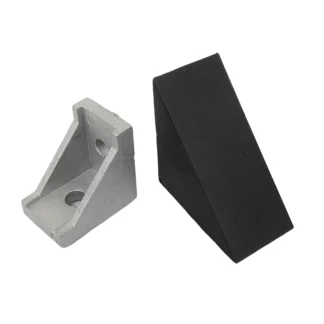
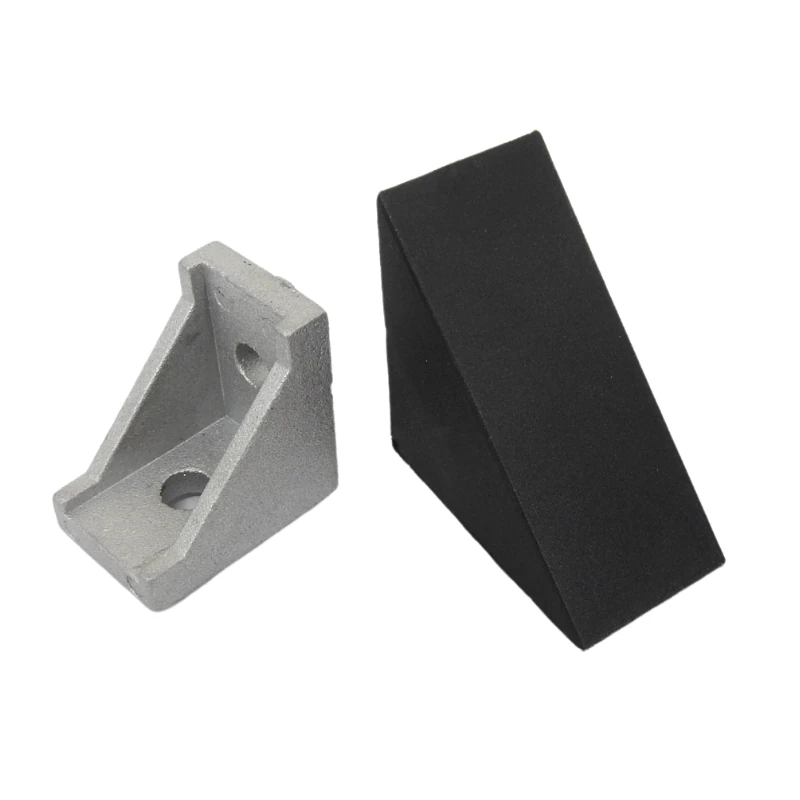
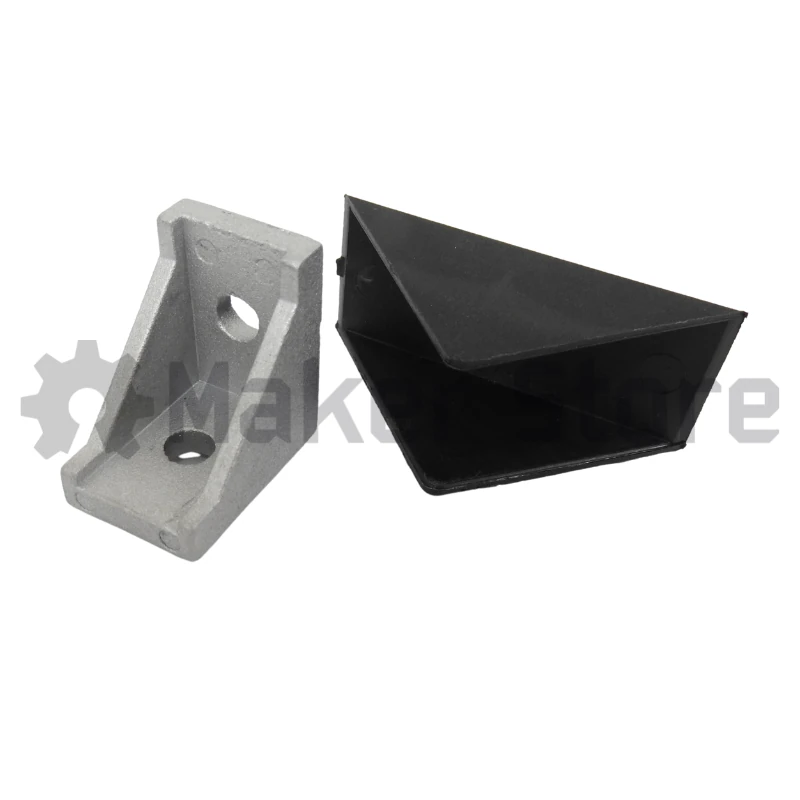
The Cast 90-degree Corner Bracket and Cover is a reliable and adaptable hardware component combination. Specifically, this high-quality cast aluminium assembly enables builders to establish sturdy right-angle connections between two structural profiles. Because it features a 28mm x 28mm x 20mm footprint, this model stands slightly taller than standard 2020 corner brackets. This increased profile height allows the hardware to distribute clamping forces over a wider area. As a result, the joint can withstand heavier loads and harsher environmental conditions.
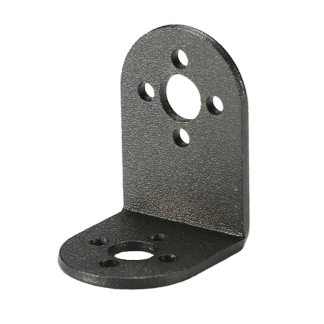
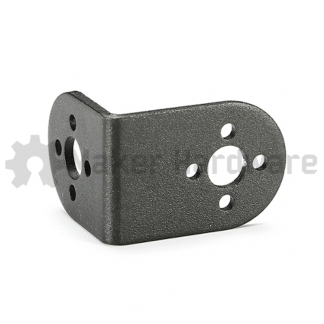
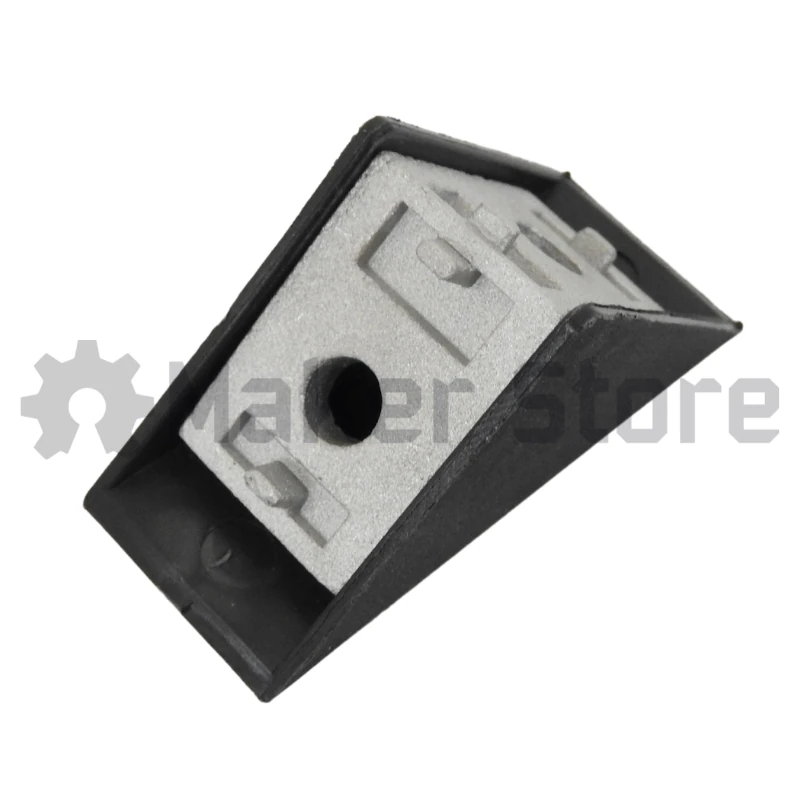
Furthermore, each kit includes a dedicated clip-on bracket cover measuring 40mm x 40mm x 23mm. This shroud snaps directly over the cast base to conceal raw metal edges and mounting fasteners. Consequently, the shield optimizes safety by preventing external materials from catching on the bracket face. At the same time, it isolates the hardware assembly from environmental debris. This dual-component setup delivers a compact, structurally rigid solution that guarantees long-lasting alignment in modular frameworks.
Applications
Engineers and builders primarily use this right-angle corner assembly to secure intersecting structural profiles across heavy-duty modular frameworks. For instance, they implement it to construct robust CNC machine frames and custom CNC routers. This rigid mounting improves cross-frame stability and eliminates deflection during precision machining operations. Additionally, the bracket simplifies the assembly of 3D printer structures, laser cutter frameworks, and laboratory apparatus. By ensuring accurate alignment between structural paths, it directly maintains the operational accuracy of precision instruments.
Furthermore, the clip-on cover makes this assembly ideal for high-traffic environments or user-facing applications. For example, builders install it when constructing electronics workstations, precision crafting stations, and safety enclosures. The cover prevents operators or clothing from snagging on exposed hardware edges while giving the machinery a sleek, professional finish. Therefore, it provides a stable foundational joint across both rapid prototyping equipment and long-term industrial workspace setups.
Maker Store Tips and Tricks
-
Before installing the component, decide if your structural layout requires a completely flat reference plane. If it does, file down the alignment tabs on the base to achieve a seamless, flush mount against the extrusion side tracking.
-
Pre-assemble your low-profile fasteners and nuts loosely within the bracket tracks. Then, slide the entire hardware unit into position on your profiles to speed up alignment steps.
-
Tighten all underlying mounting screws completely and verify frame squareness before clipping on the plastic guard cover, because the shroud fully seals off fastener access.
Unsure which products are compatible with our aluminium extrusions?
Look for the Maker Store Compatibility Badges!