Description
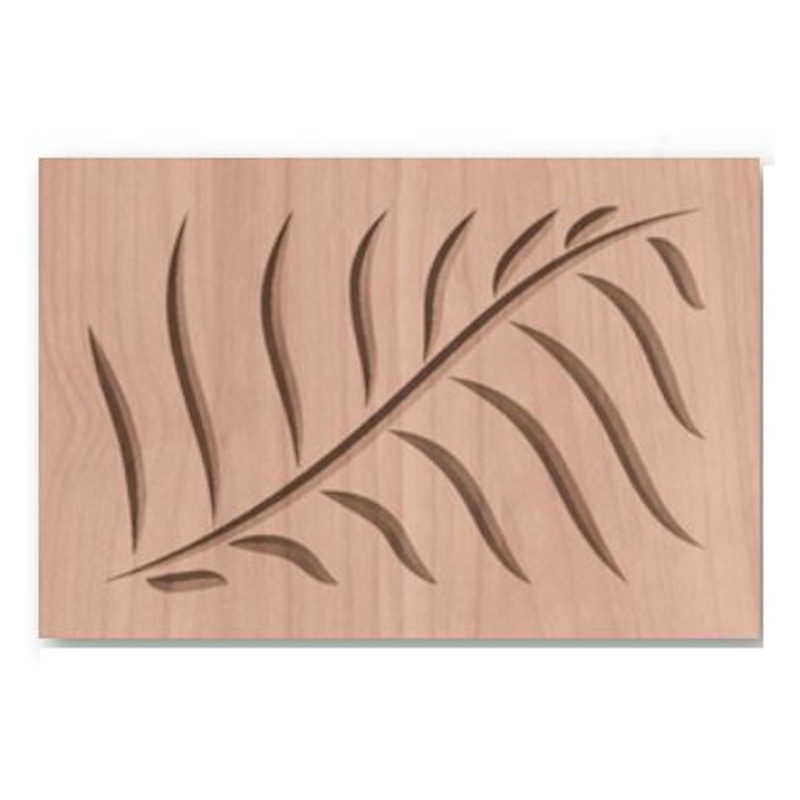
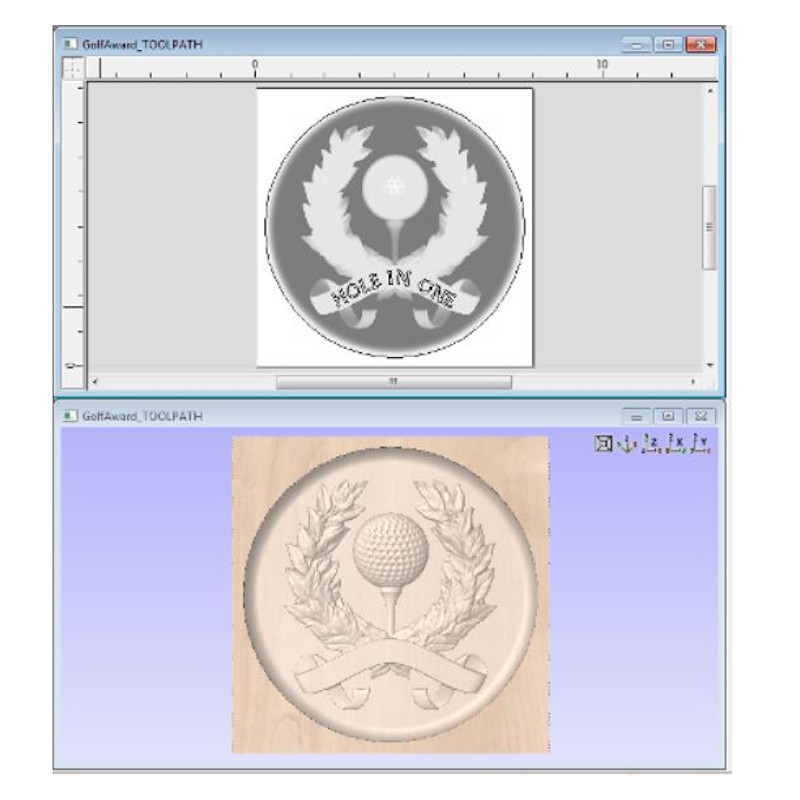
CNC manufacturing can now be a more enjoyable and productive experience thanks to Vectric. VCarve Pro gives you all the functionality of Cut2D Pro plus the ability to create designs with VCarving, textures as well as the ability to import and machine unlimited Vectric 3D clipart or single model files. VCarve Pro edition gives you unlimited job and toolpath size, true shape nesting & job set-up sheets, ideally suited to a production environment.
Features
- 3D Machining
- Import single 3D model files (STL, OBJ, 3DM, SKP etc
- Ability to import 2D vector files and bitmap images from other programs
- Single Sided, Double Sided & Wrapped Rotary Job Types
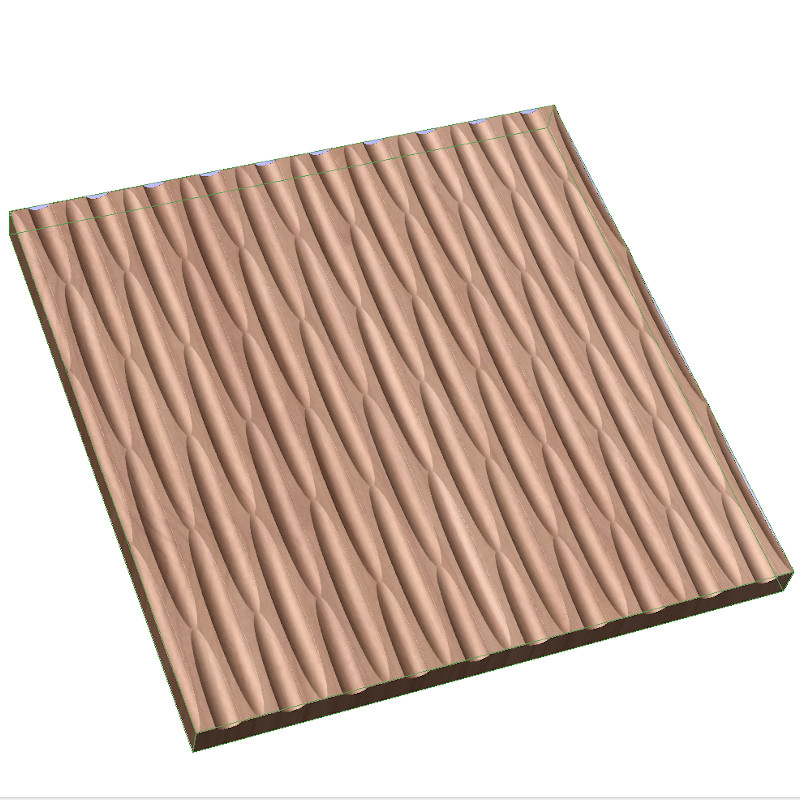
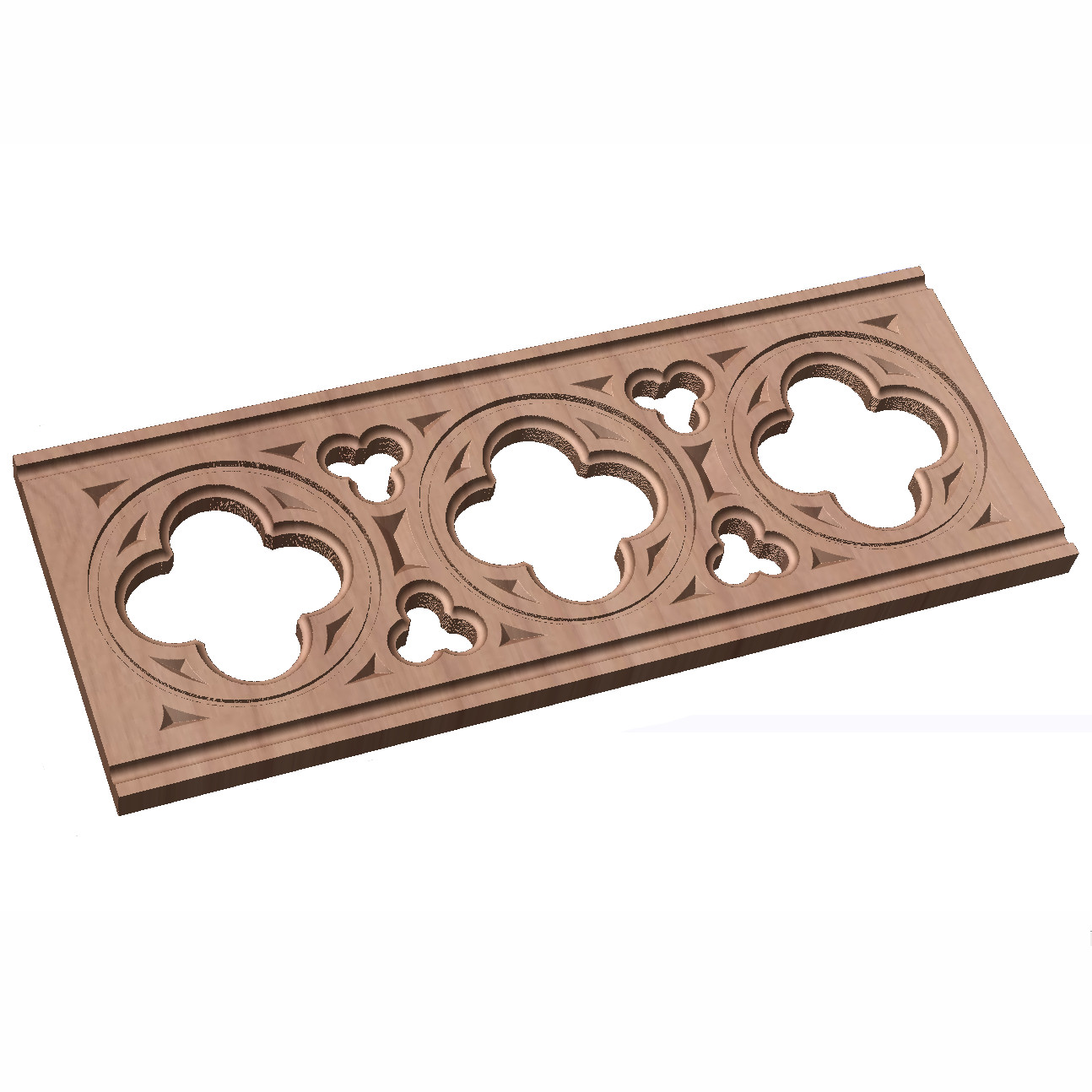
- 2.5D Toolpaths: V-Carving, Prism Carving, Mouldings, Textures, Fluting and Chamfer Toolpath
- Optimized clearance tools in VCarving
- + FREE 2D + 3D Clipart worth $2000
- Complete set of 2D Design and Layout Tools
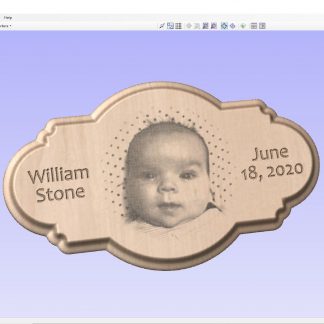
- Photo VCarving toolpath strategy
- 2D Toolpaths: Profiling, Pocketing, Drilling, Inlays, Quick Engraving and Thread Milling Toolpath
- Optimized Clearance Tools in VCarving
- Ability to simulate the toolpaths before cutting
- Vast Tool Database
- Tool database
- Ability to simulate Toolpaths
- Unlimited job and toolpath size
Key Strengths of VCarve PRO
Rotary Job and Material Setup
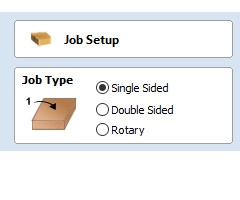
In the Job Setup dialog, you can pick whether you want to create a single-sided, double-sided job or a rotary job. You can change that, retrospectively.
Define your cylinder dimensions, the orientation of the job, how the 2D view will be laid out, and which axis we’re wrapping around.
Design & Make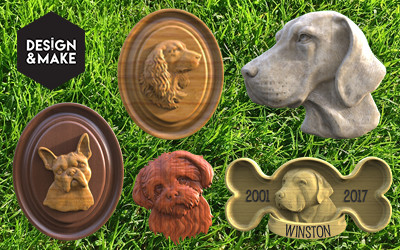
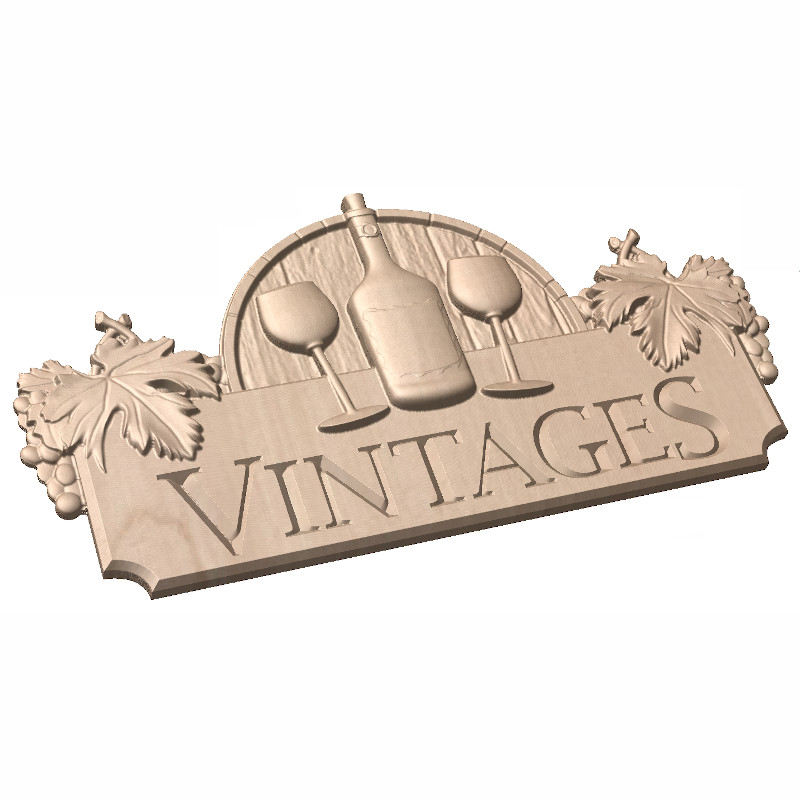
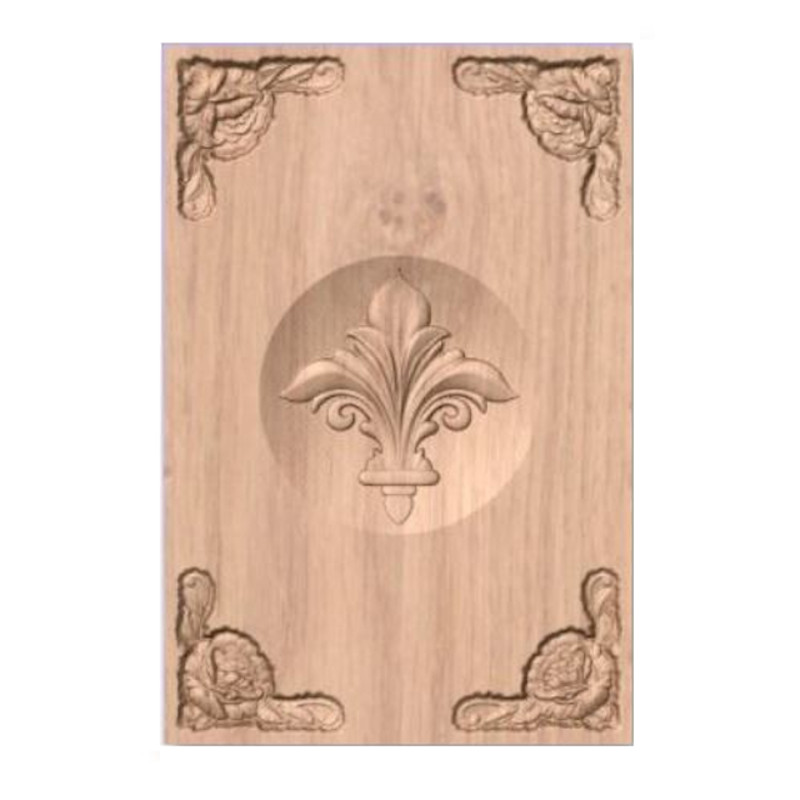
Design & Make has a library of over 2500 high-quality, CNC-ready dimensional clip art models.
You will find a selection of relief-style clipart pieces, mini projects, and collections to suit every CNC project need. These can be purchased, downloaded and carved as individual models or combined to make more complex designs.
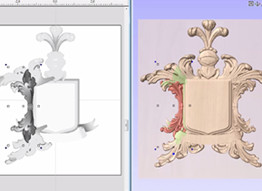
Mirror Mode Components
This feature allows you to define a component level so that it mirrors all of its components in a certain way, based on the mirror type. This allows you to build pleasing symmetrical arrangements with ease.
Level Clipping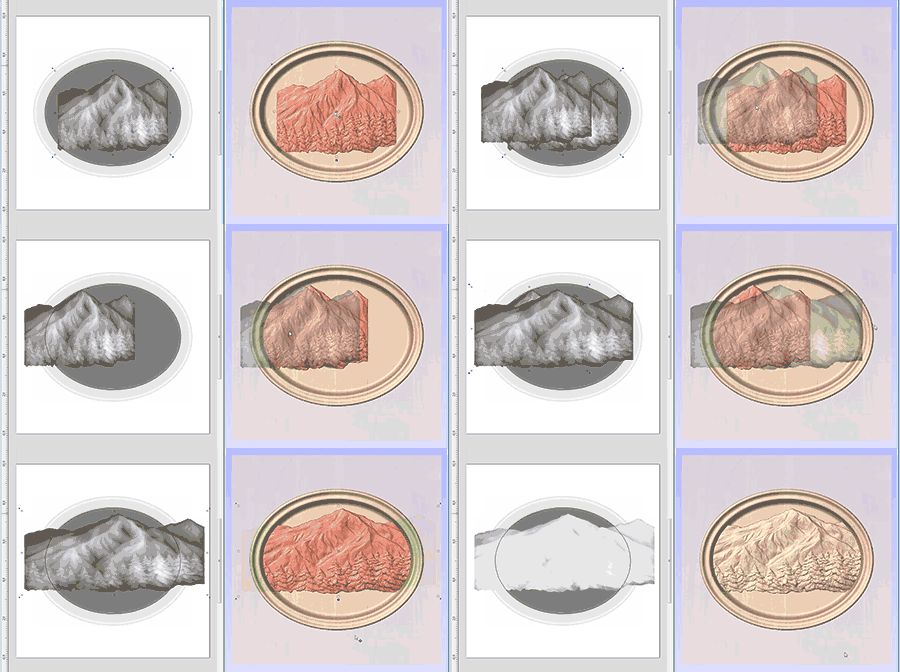
The level clipping mode makes it easy to constrain the model you are creating to a chosen boundary. Use vectors to define your boundary and the contents of your level are dynamically clipped so that only what lies inside the vectors is kept.
Product Video
Have a look at what you can do with VCarve Desktop in the video below!
Additional Information and Support
-
- Learn more about VCarve Pro features and lots more here.
- Have a look at the vast Vectric community including support forums here.
- Get professional Vectric support here.
- Find out about System Requirements here.
- Training/Tutorial videos can be found here.
- All Vectric Products are ONLY compatible with the Windows Operating System
- Please allow 1 business day processing time for all Vectric purchases. Licenses will be delivered via email to your supplied email address.
- Software is non-refundable – Please try it before you buy here
PLEASE NOTE:
Software Fulfillment: These licenses are manually applied and issued by our staff during business hours. Allow up to 1 business day to receive your license.
Inquiries: For any questions or assistance, feel free to reach out to us through our Contact Us page.